1
2.3
SRM Console
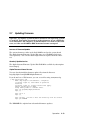
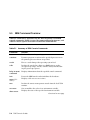
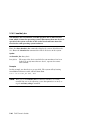
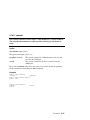
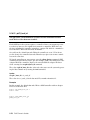
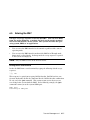
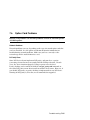
The SRM console is the command-line interface that allows you to set
up and boot the operating system, display the system configuration, set
environment variables, and perform basic system troubleshooting.
SRM firmware is located in a flash ROM (read-only memory) on the system board. The SRM console firmware is described in detail in
Chapter 5, Firmware.
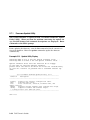
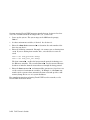
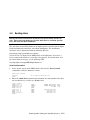
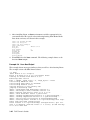
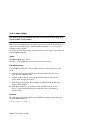
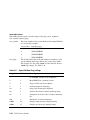
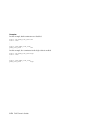
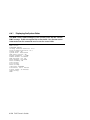
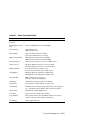
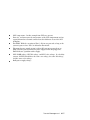
The following sections cover functions you can perform from SRM.
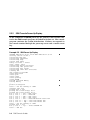
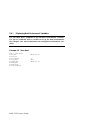
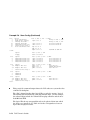
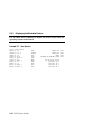
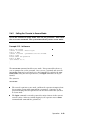
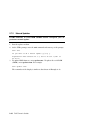
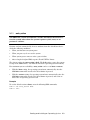
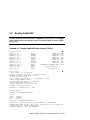
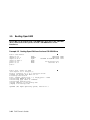
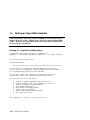
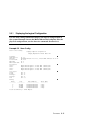
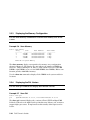
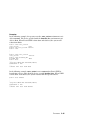
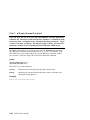
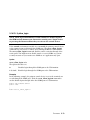
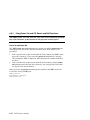
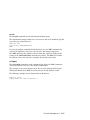
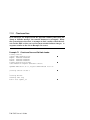
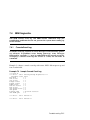
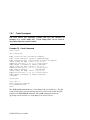
Example 2–3 SRM Console Example
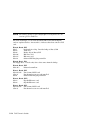
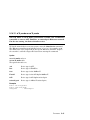
P00>>> set bootdef_dev dkb0,dka0
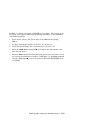
In this example, the operator enters the SRM set command and specifies the
devices from which to boot the operating system. At power-up the system will
try to boot from SCSI device dkb0 and if unsuccessful, will boot from dka0.
2-10
ES45 Owner's Guide