1
BigPond Elite™ Wireless Broadband Network Gateway USER GUIDE
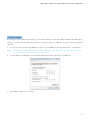
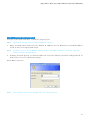
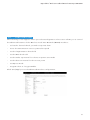
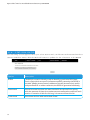
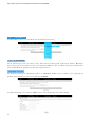
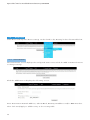
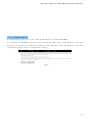
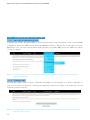
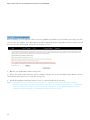
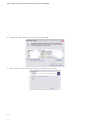
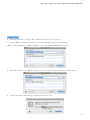
5. Select Internet Printing Pro t o co l – I PP f ro m t h e Pro t o co l d ro p d o w n l ist .
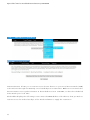
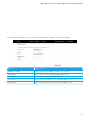
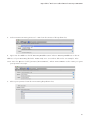
6. Type into t he Address f i e l d “ G a t e way I PAd d re ss: 6 31” w h e re G a t e way I PAd d re ss is t h e I P
address of your Gateway ( d e f a u l t : 10 . 0 . 0 .13 8 ) . S e e scre e n s ho t b e l o w f o r a n e x a m p l e . Als o
enter into t he Queue fiel d “ / p ri n t e rs / Pri n t e r N a m e” , w h e re Pri n t e r N a m e is t h e n a m e y o u g av e
your printer in step 1
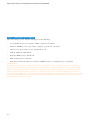
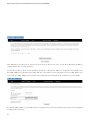
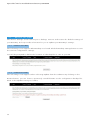
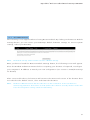
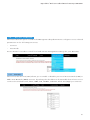
7. Select your printer fro m t h e Pri n t Usi ng d ro p d o w n l ist .
69