1
BigPond Elite™ Wireless Broadband Network Gateway USER GUIDE
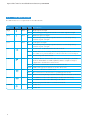
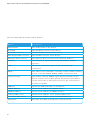
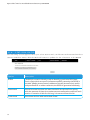
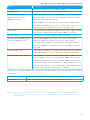
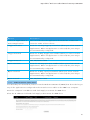
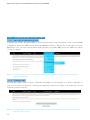
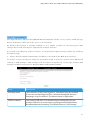
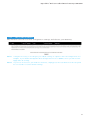
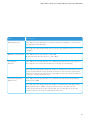
Name
D e scri p t i o n
Lo g
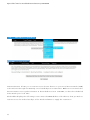
I n d ic a t e s whet her t he system is currently recording events. You can enable or disable
e v e n t l o g g ing. By default, it is disabled.
Lo g l e v e l
Al l o w s y o u to configure t he event level and filter out unwanted events below t his level.
T h e e v e n t s ranging from t he highest critical level
“ Em e rg e n cy” down to t his configured level will be recorded to t he log buffer on
t h e G a t e way’s SDR AM. When t he log buffer is full, t he newest event will wrap up to
t h e t o p o f t he log buffer and overwrite t he oldest event. By default, t he log level is
“ D e b u g g i ng”, which is t he lowest critical level. Th e log levels are defined as follows:
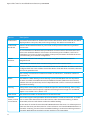
Em e rg e n c y is t he most serious event level, whereas Debugging is t he least important.
Fo r i n st a n ce, if t he log level is set to Debugging, all t he events from t he lowest
D e b u g g i ng level to t he most critical level emergency level will be recorded. If t he log
l e v e l is se t to error, only error and t he level above will be logged.
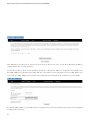
D isp l ay Le v e l
Al l o w s y o u to select t he logged events and displays on t he View System Log window for
e v e n t s o f t his level and above to t he highest emergency level.
Mo d e
Al l o w s y o u to specify whet her events should be stored in t he local memory,
b e se n t t o a remote syslog server, or to bot h simultaneously. If remote mode is selected,
t h e v i e w s ystem log will not be able to display events saved in t he remote syslog server.
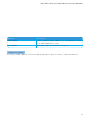
W h e n ei t h er Remote mode or Bot h mode is configured, t he Web UI will prompt t he you
t o e n t e r t he Server IP address and Server UDP port.
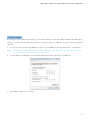
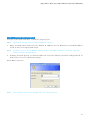
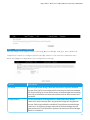
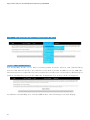
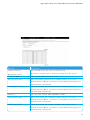
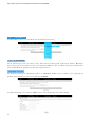
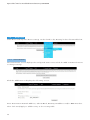
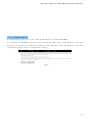
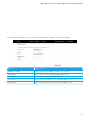
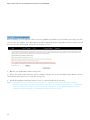
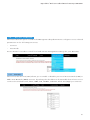
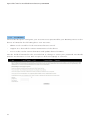
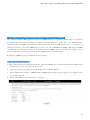
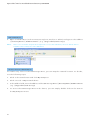
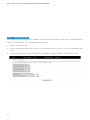
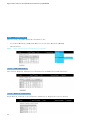
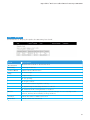
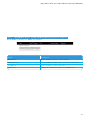
3: Click View System Log . T h e re su l t s a re d isp l aye d a s f o l l o w s .
83