1
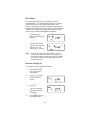
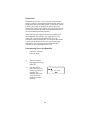
Scanning
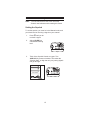
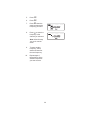
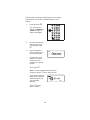
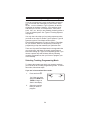
1.
After programming
frequencies, simply
press S to begin
scanning.
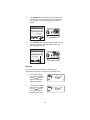
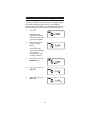
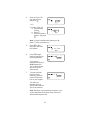
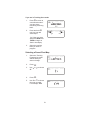
2.
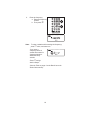
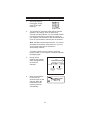
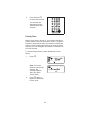
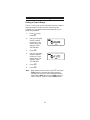
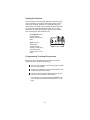
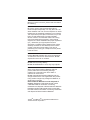
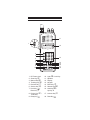
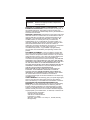
The indicator for each bank which will be scanned
appears in the display, while the bank being
currently monitored flashes. You can deselect banks
from active scanning by pressing their number on
your keypad. The indicator for each deselected bank
turns off, and the bank’s channels are not scanned.
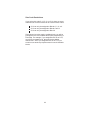
Note: One Bank must always be active. You cannot
deactivate all ten banks at the same time. If you try
to turn all the banks off, the first bank is
automatically selected.
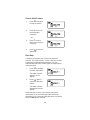
To restore a bank to active scanning, press the
bank’s number on your keypad. The bank’s indicator
will display again.
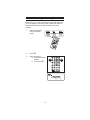
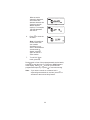
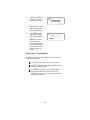
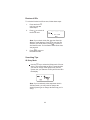
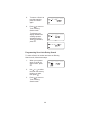
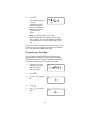
3.
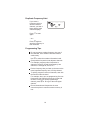
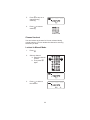
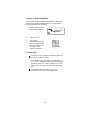
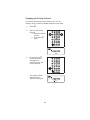
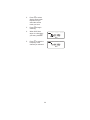
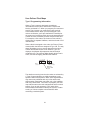
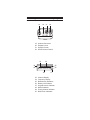
During normal
scanning the scanner
skips unprogrammed
or locked out
channels.
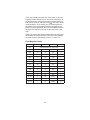
SCAN
CHANNELS
1 2 3 4 5 6 7 8 9 10
Frequency
Locked Out
(L/O)
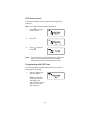
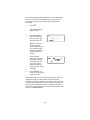
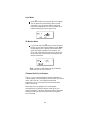
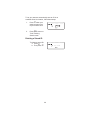
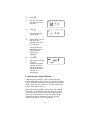
4.
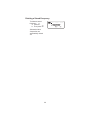
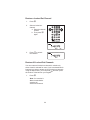
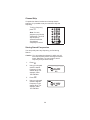
When a transmission
is received, the
Scanner stops on that
channel. When the
transmission ends,
scanning resumes
automatically.
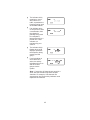
1
21
2
3
4
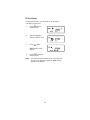
Frequency not
entered
5
6
7
8
9
10