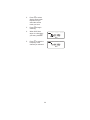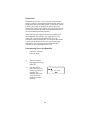
1
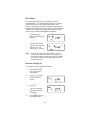
6.
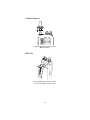
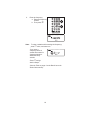
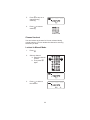
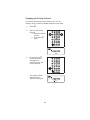
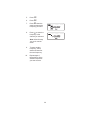
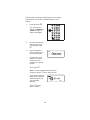
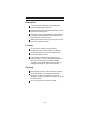
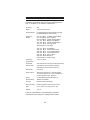
Press E.
The scanner exits the
Trunking
Programming mode,
acquires the data
channel, and begins
searching using the
preset map you
chose.
Note: You will now begin to see Type I
Fleet-Subfleet IDs. For example, 100-12, 100-9,
000-12, 400-8, etc. See User Defined Fleet Maps
in the Appendix for more information about Type I
IDs.
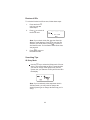
How do you know if the preset map is correct? You’ll have
to listen to see if you’re following complete conversations.
If not, you should try another preset map.
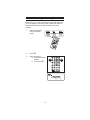
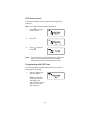
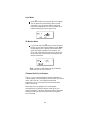
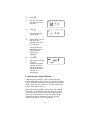
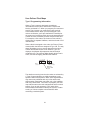
Programming a Fleet Map
You may want to read User Defined Fleet Maps in the
Appendix before programming a fleet map. It contains a
detailed explanation of Scanner Fleet Map Programming,
as well as a table listing the Fleet Map Size Codes.
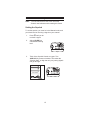
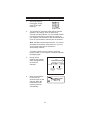
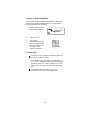
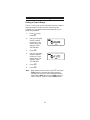
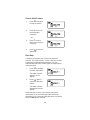
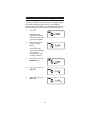
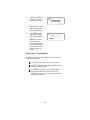
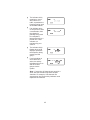
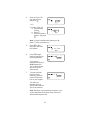
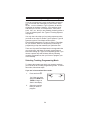
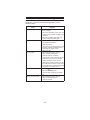
1.
Select the Trunking
Programming mode
and the bank you
want to change.
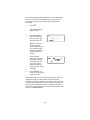
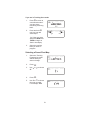
2.
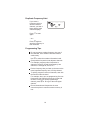
Press D.
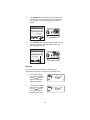
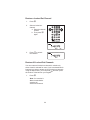
3.
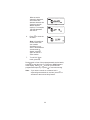
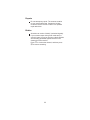
Use) or( to choose
E1.
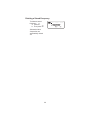
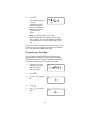
4.
Press D.
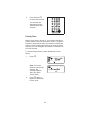
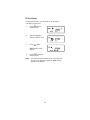
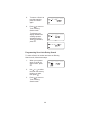
5.
Use) or( to choose
USr.
52
BANK
TRUNK
1
2
3
4
5
6
7
8
9
10
BANK
TRUNK
1
2
3
4
5
6
7
8
9
10
BANK
TRUNK
1
2
3
4
5
6
7
8
9
10