1
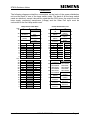
ST800 FAULT REPORT CHECK LIST
Visit Information
Site name:
Date / Time:
Engineer’s name:
/
/
:
Telephone:
Reason for visit:
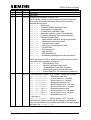
Controller Checks Before Resetting Faults
Are the signals still on?
Green heartbeat LED?
If on, is it still beating?
On q
On q
Yes q
Off q
Off q
No q
System error LED?
Bus error LED?
Watchdog error LED?
On q
On q
On q
Off q
Off q
Off q
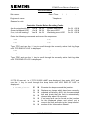
Enter the following commands and record the responses:
TOD
PIC
CIC
SIC
Type ‘FFS’ and use the ‘+’ key to scroll through the currently active fault log flags
until ‘FFS END OF LOG’ is displayed.
FFS
+
+
+
Type ‘FDS’ and use the ‘+’ key to scroll through the currently active fault log data
until ‘FDS END OF LOG’ is displayed:-
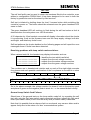
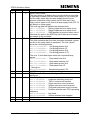
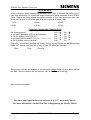
If FFS 50 was set, i.e. if ‘FFS 50:255 LAMP’ was displayed, then enter ‘KLD’ and
use the ‘+’ key to scroll through the lamp faults until ‘KLD END OF LOG’ is
displayed:s a:nnW p/ccccc
Page 1
æ
å
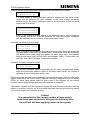
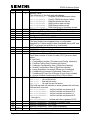
Examine the lamps around the junction.
q
q
q
q
q
q
Replace any lamps which have been correctly
reported as failed by KLD, tick the associated
box and check that the fault is automatically
cleared after about 10 seconds.
q
q
q
q
q
q
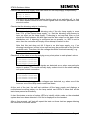
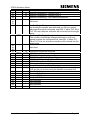
If no lamp fault can be found on the junction
for the displayed phase and colour, put a
cross in the box and refer to the ‘lamp monitor’
section of the ‘Information Sheets’.
667/HB/27000/100
Issue 1