1
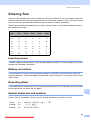
Cleaning the machine’s
printer platen
CAUTION
Be sure to unplug the machine from the
electrical socket before cleaning the printer
platen.
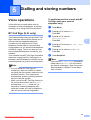
a
b
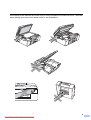
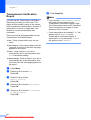
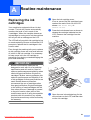
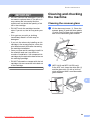
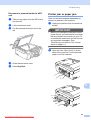
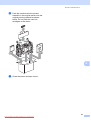
Lift the scanner cover until it locks
securely in the open position.
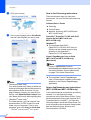
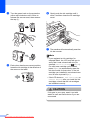
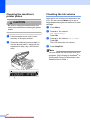
Clean the machine’s printer platen (1)
and the area around it, wiping off any
scattered ink with a dry, soft lint-free
cloth.
Checking the ink volume
A
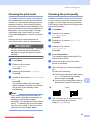
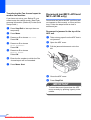
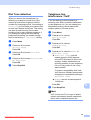
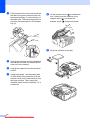
Although an ink volume icon appears on the
LCD, you can use the Menu key to see a
large graph showing the ink that is left in each
cartridge.
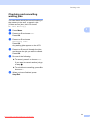
a
b
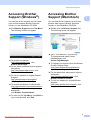
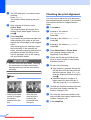
Press Menu.
c
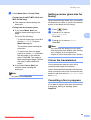
Press a or b to choose Ink Volume.
Press OK.
The LCD shows the ink volume.
d
Press Stop/Exit.
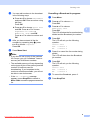
Press a or b to choose
Ink Management.
Press OK.
Note
You can check the ink volume from your
computer. (See Printing for Windows® or
Printing and Faxing for Macintosh in the
Software User’s Guide.)
1
34
Downloaded from ManualsPrinter.com Manuals
A