1
AcuLaser M4000 Series
User's Guide
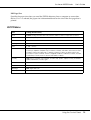
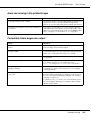
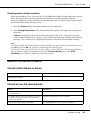
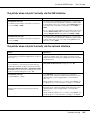
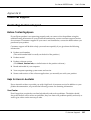
The font on the printout is different from that on the screen
Cause
What to do
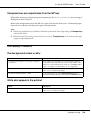
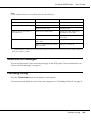
The EPSON Screen Fonts are not installed.
The screen fonts must be installed on the computer that you are
using. Otherwise, the font that you select is substituted by some
other font for display on the screen.
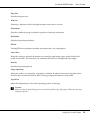
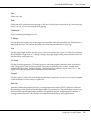
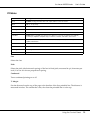
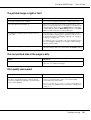
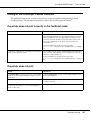
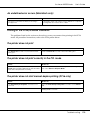
The edges of texts and/or images are not smooth
Cause
What to do
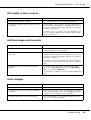
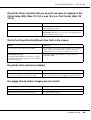
(PCL6 mode only) The resolution is set to Fast (300
dpi).
Access the printer driver, click the Graphics tab, then select Fine
(600 dpi) as the resolution.
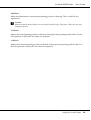
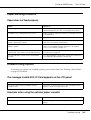
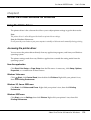
The printer does not have sufficient memory.
Increase the printer memory.
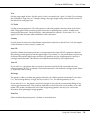
(PCL6 mode only) The RITech is set to Off.
Access the printer driver, click the Graphics tab, then select On
for RITech from the drop-down list.
Troubleshooting
171