1
Using MAT-Files
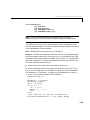
• Use the Save command.
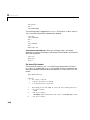
Save the data in ASCII form using the save command with the -ascii
option. For example,
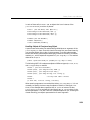
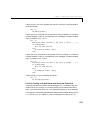
A = rand(4,3);
save temp.dat A -ascii
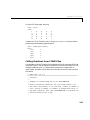
creates an ASCII file called temp.dat containing
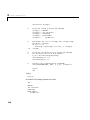
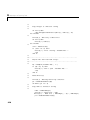
1.3889088e-001
2.0276522e-001
1.9872174e-001
6.0379248e-001
2.7218792e-001
1.9881427e-001
1.5273927e-002
7.4678568e-001
4.4509643e-001
9.3181458e-001
4.6599434e-001
4.1864947e-001
The -ascii option supports two-dimensional double and character arrays
only. Multidimensional arrays, cell arrays, and structures are not supported.
See the save function reference page for more information.
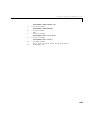
• Use MATLAB I/O functions.
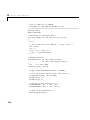
Write the data in a special format using fopen, fwrite, and the other
low-level I/O functions. This method is useful for writing data files in the file
formats required by other applications.
• Develop a MEX-file to write the data.
You can develop a MEX-file to write the data. This is the method of choice if
subroutines are already available for writing data files in the form needed by
other applications. See the section, “Introducing MEX-Files” on page 1-3, for
more information.
• Translate data from a MAT-file.
You can write out the data as a MAT-file using the save command. You can
then write a program in C or Fortran to translate the MAT-file into your own
special format. See the section, “Reading and Writing MAT-Files” on
page 6-6, for more information.
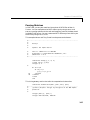
Exchanging Data Files Between Platforms
You may want to work with MATLAB implementations on several different
computer systems, or need to transmit MATLAB applications to users on other
systems. MATLAB applications consist of M-files containing functions and
scripts, and MAT-files containing binary data.
6-5