1
Chapter 9
Certificate Management
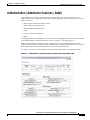
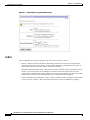
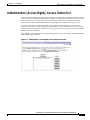
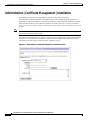
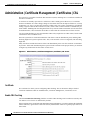
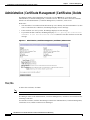
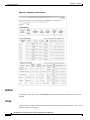
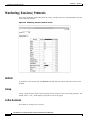
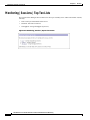
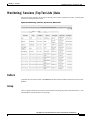
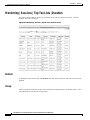
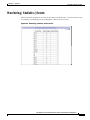
Administration | Certificate Management | Enrollment
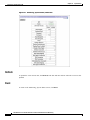
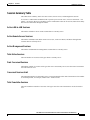
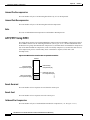
Subject Alternative Name (FQDN)
Enter the fully qualified domain name for this VPN Concentrator that identifies it in this PKI, for
example: vpn3030.cisco.com. This field is optional. The alternative name is an additional data field in
the certificate, and it provides interoperability with many Cisco IOS and PIX systems in LAN-to-LAN
connections.
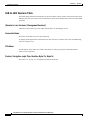
Key Size
Click the Key Size drop-down menu button and choose the algorithm for generating the public-key /
private-key pair, and the key size. If you are requesting an SSL certificate, you must select an RSA
choice.
•
RSA 512 bits = Generate 512-bit keys using the RSA (Rivest, Shamir, Adelman) algorithm. This
key size provides sufficient security and is the default selection. It is the most common, and requires
the least processing.
•
RSA 768 bits = Generate 768-bit keys using the RSA algorithm. This key size provides normal
security. It requires approximately 2 to 4 times more processing than the 512-bit key.
•
RSA 1024 bits = Generate 1024-bit keys using the RSA algorithm. This key size provides high
security, and it requires approximately 4 to 8 times more processing than the 512-bit key.
•
DSA 512 bits = Generate 512-bit keys using DSA (Digital Signature Algorithm).
•
DSA 768 bits = Generate 768-bit keys using the DSA algorithm.
•
DSA 1024 bits = Generate 1024-bit keys using the DSA algorithm.
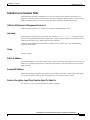
OK / Cancel
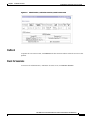
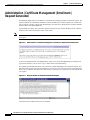
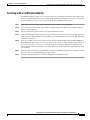
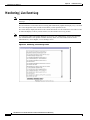
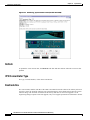
To generate the certificate request, click OK. The Manager displays the Administration | Certificate
Management | Enrollment | Request Generated screen, and then opens a browser window showing the
certificate request.
To discard your entries and cancel the request, click Cancel. The Manager returns to the Administration
| Certificate Management screen.
VPN 3000 Series Concentrator Reference Volume II: Administration and Monitoring
78-13274-01
9-5