1
Rockhopper 38 – Maintenance Manual
5.4.3 How to Enter Head Rank
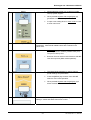
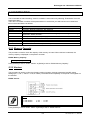
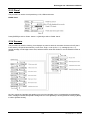
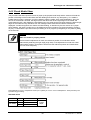
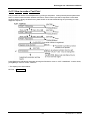
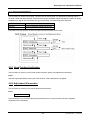
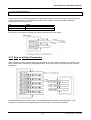
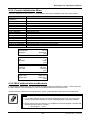
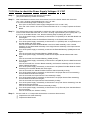
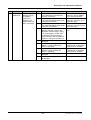
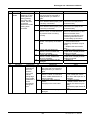
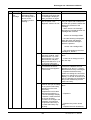
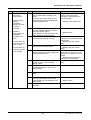
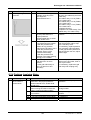
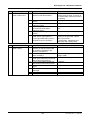
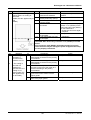
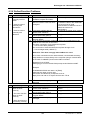
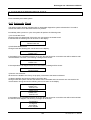
This procedure is for entering back or colour head rank. It is used for determining the head drive voltage and
for temperature compensation. The panel has a range setting range and an out of range rank entry on the
terminal will be ignored. When the colour rank is set, press [ENTER] or [Return] to move to the Ink Filling
Menu.
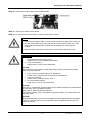
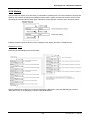
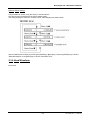
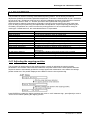
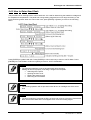
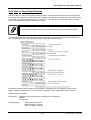
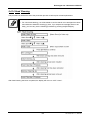
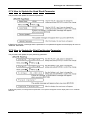
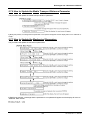
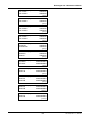
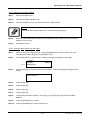
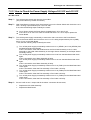
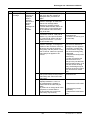
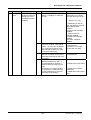
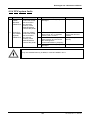
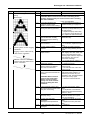
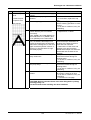
Press [ENTER] to update head rank. Press [ENTER] in colour rank entry to return to Ink Fill Menu. Press
[ENTER] in the Ink Fill Menu to fill inks or [Back] to move to “AJST: ChkNozzles”.
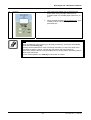
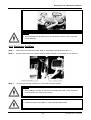
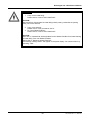
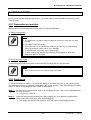
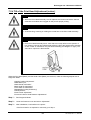
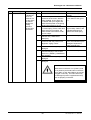
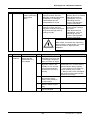
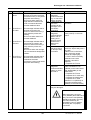
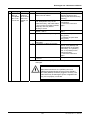
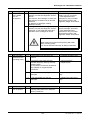
Caution:
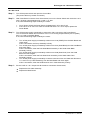
The following operations must not be performed during ink filling.
Plotting will not work properly if ink filling is stopped or interrupted.
• Switching off the power
• Opening the front cover
• Raising the pressure level
• Removing an ink cassette
Caution:
The ink filling operation will not proceed unless all four ink cartridges are of the same
kind.
Caution:
The time remaining to complete the filling of black and coloured inks will be cleared after
black ink has been filled and it will reappear when coloured ink filling begins.
122
AP-74038, Rev. 1.1, 25/01/05





























































































![Automa--o Industrial - Livro[1]](http://vs1.manualzilla.com/store/data/006090902_1-794daa7054a7431045e0dc6458174dc2-150x150.png)