1
EPSON Stylus Pro 7600/9600
Revision A
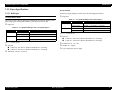
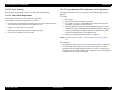
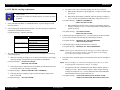
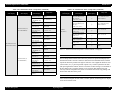
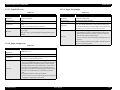
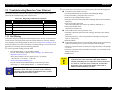
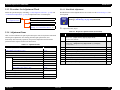
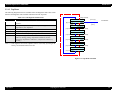
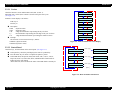
5.2.3.3.2 Input on Panel
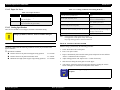
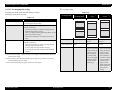
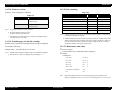
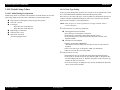
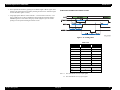
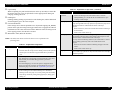
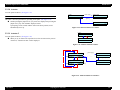
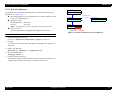
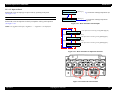
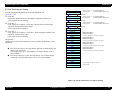
Rank Input :
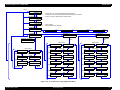
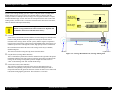
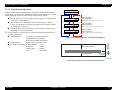
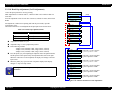
In this mode, select an input type to input a code by operating on the panel.
(See Figure 5-22)
?
INPUT LINE SELECTION
Dyestuff ?
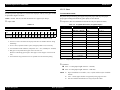
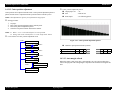
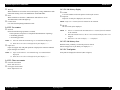
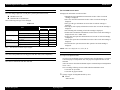
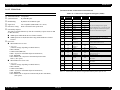
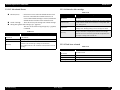
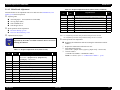
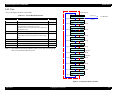
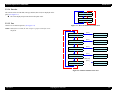
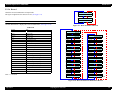
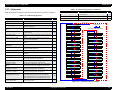
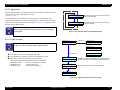
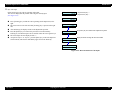
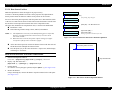
Rank Input :
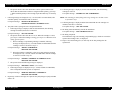
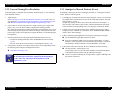
In this mode, select an input line on which you input the code by panel operation.
?
Pigment ?
(See Figure 5-23)
[SelecType]
[SelecType]
To the mode for selecting an input line for dye
To the mode for selecting an input line for
pigment
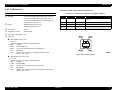
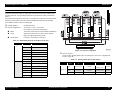
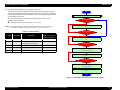
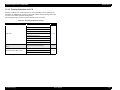
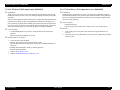
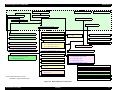
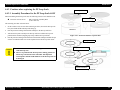
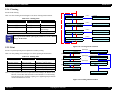
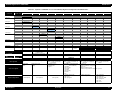
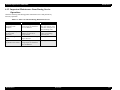
Figure 5-22. Menu Transition of Panel Input
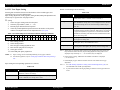
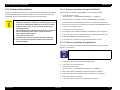
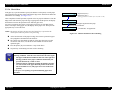
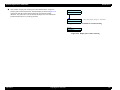
NOTE: For pigment code input, “Pigment-1” ~ “Pigment-3” are displayed.
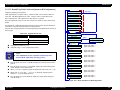
Code input mode is entered by pressing [SelecType] key.
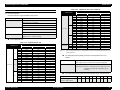
Input Line :
?
[Paper Feed ∇]
Dye-1
[Paper Feed ∆]
Code input mode is entered by pressing [SelecType] key.
Input Line :
?
[Paper Feed ∇]
Dye-2
[Paper Feed ∆]
Code input mode is entered by pressing [SelecType] key.
Input Line :
?
Dye-3
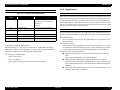
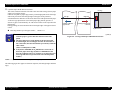
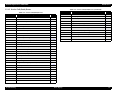
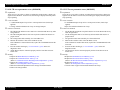
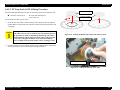
Figure 5-23. Menu Transition for Input Line Selection
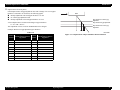
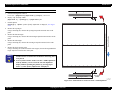
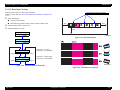
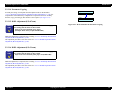
Day
Pigment
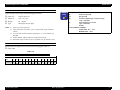
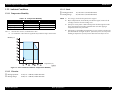
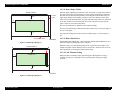
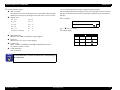
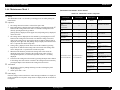
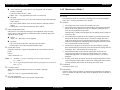
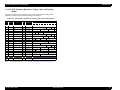
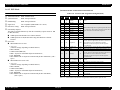
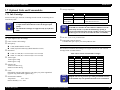
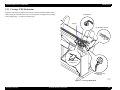
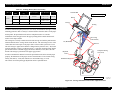
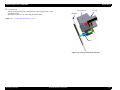
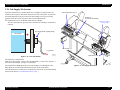
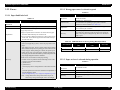
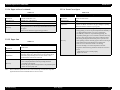
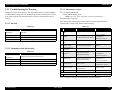
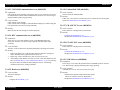
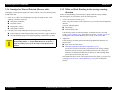
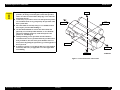
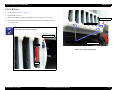
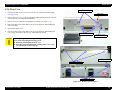
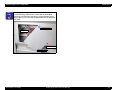
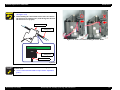
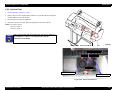
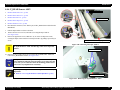
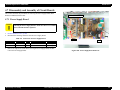
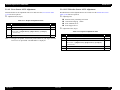
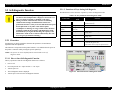
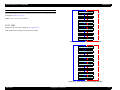
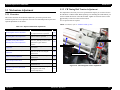
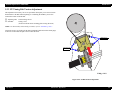
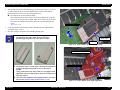
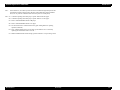
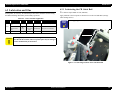
Figure 5-24. Head Code Label Position
Adjustment
Self-diagnostic Function
234