1
Chapter 2: MS Windows System Installation Reference: Editing Files
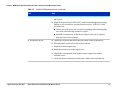
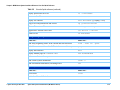
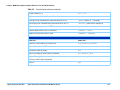
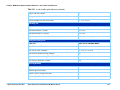
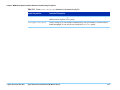
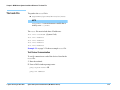
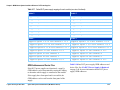
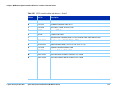
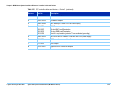
Table 2-5
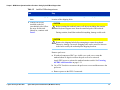
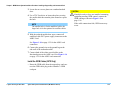
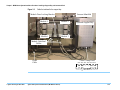
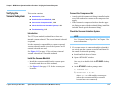
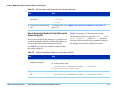
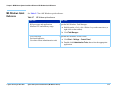
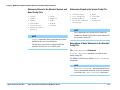
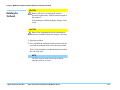
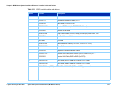
Edit the system config file to match the testhead configuration
Task
Step
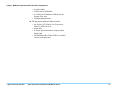
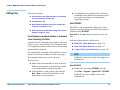
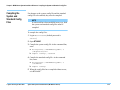
3 Save and exit the system
config file.
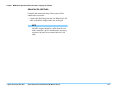
• Enter:
1) re-save
2) exit
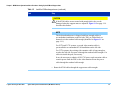
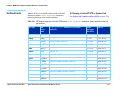
4 Compile the system config
file.
For instructions, see Compiling the System and Standard Config Files on
page 2-35.
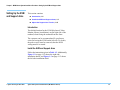
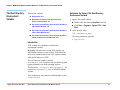
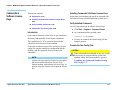
How to Resolve the Standard Config File from the
System Config File
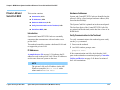
If the system config file has changed, it is good practice
to edit the standard config file to reflect the changes as a
service to the board test development personnel.
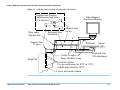
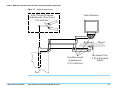
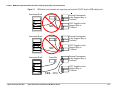
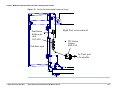
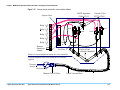
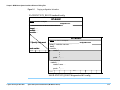
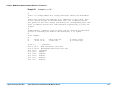
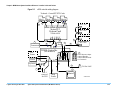
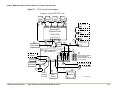
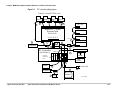
Figure 2-1 on page 2-14 illustrates the concept.
The desired end result is to copy the cards ..., serial
ports ..., supplies ... and ports ... statements
from the system config file to the standard config file.
No changes to the system config file are made.
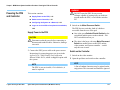
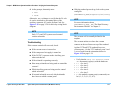
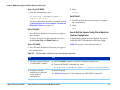
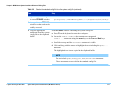
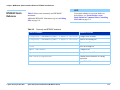
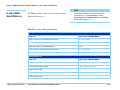
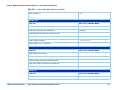
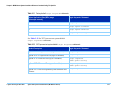
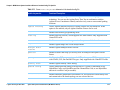
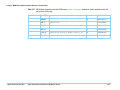
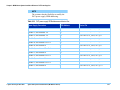
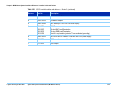
See Table 2-6 to resolve the standard config file from
the system config file.
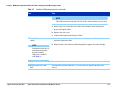
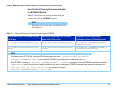
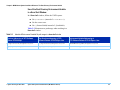
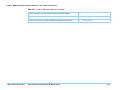
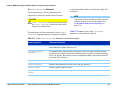
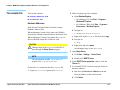
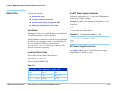
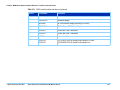
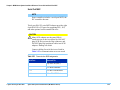
Table 2-6
Resolve the standard config file from the system config file
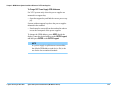
Task
Step
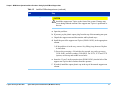
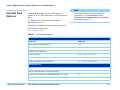
1 Make a backup copy of the
standard config file:
a Open a BT-BASIC window by double-clicking the desktop icon.
b At the prompt, enter:
msi btgetenv$ ("AGILENT3070_ROOT") & "/standard"
c copy config over config.temp
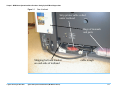
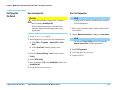
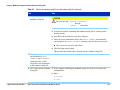
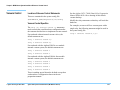
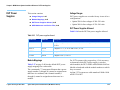
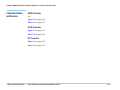
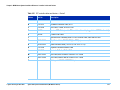
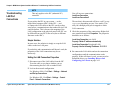
2 Open the standard config
file:
© Agilent Technologies 2001–2003
a Enter:
get btgetenv$ ("AGILENT3070_ROOT") & "/standard/config"
Agilent 3070 System Installation Manual (MS Windows Version)
2-10