1
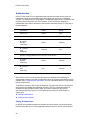
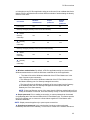
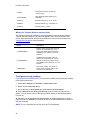
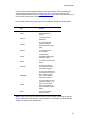
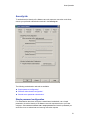
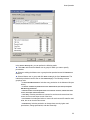
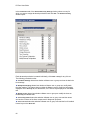
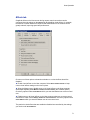
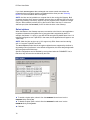
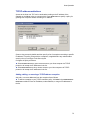
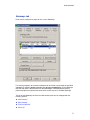
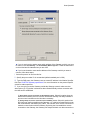
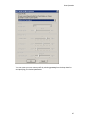
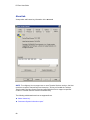
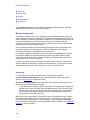
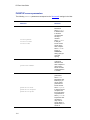
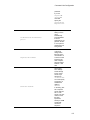
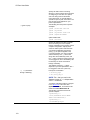
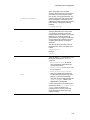
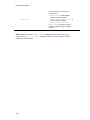
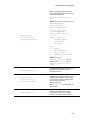
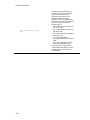
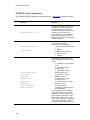
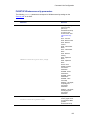
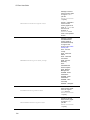
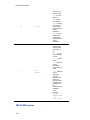
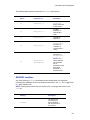
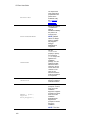
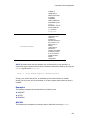
PC-Duo Host Guide “Move Down” “Details” “Resend Status” “View Error” The Host Workstation ID is a unique identifier generated at installation time, which the Gateway uses for reporting and reference purposes. Manage Gateway order The ability to control the order of the Gateway list allows the Master user to control the order in which connections are attempted. The Host will automatically go down the list in order to establish a connection and report to a Gateway. If a connection attempt fails, the Host will automatically move to the next entry in the list; if a connection attempt succeeds, the Host will ignore all other entries in the list to that same the Gateway and will proceed to the next the Gateway entry. Since connection attempts occur automatically (and without notice to the Master user) and failures can take up to 30 seconds, it may be preferable to list the Gateway connections most likely to be available at the top of the list. For example, a typical the Gateway may have two entries in the Gateway tab: One with the internal IP address or DNS name when the Host is in the same domain (regular connection), and another with the external IP address or DNS name when the Host is outside the domain (reverse connection). If a Host computer (for example, a laptop) is routinely moved in and out of the domain with the Gateway (for example, from office to home and back), you may want to list the address which is used more often ahead of the one that is used less often. Add Gateway Hosts report status information to each Gateway listed on the Gateways tab. To add a Gateway to the list, follow these steps: 1 Click Add Gateway. The Gateway Connection Properties window appears. 78