1
How to use the Log
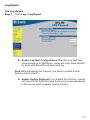
The Administrator can use the log data to monitor and manage the DFL-80
and the networks. The Administrator can view the logged data to evaluate
and troubleshoot the network, such as pinpointing the source of traffic
congestions.
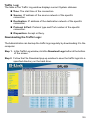
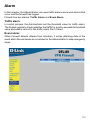
Traffic Log
The Administrator queries the Firewall for information, such as source address,
destination address, start time, and Protocol port, of all connections.
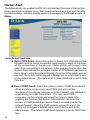
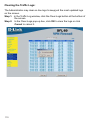
Entering the Traffic Log window:
Click the Traffic Log option under Log menu to enter the Traffic Log window.
108