1
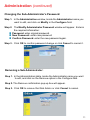
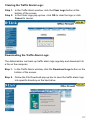
Clearing Event Alarm Logs:
The Administrator may clear on-line logs to keep the most updated logs on
the screen.
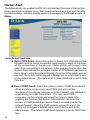
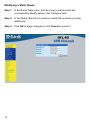
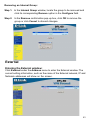
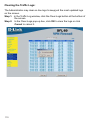
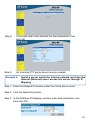
Step 1. In the Event Alarm window, click the Clear Logs button at the
bottom of the screen.
Step 2. In the Clear Logs pop-up box, click OK.
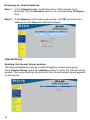
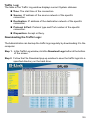
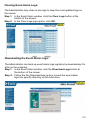
Downloading the Event Alarm Logs:
The Administrator can back up event alarm logs regularly by downloading it to
a file on the computer.
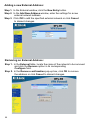
Step 1. In the Event Alarm window, click the Download Logs button at
the bottom of the screen.
Step 2. Follow the File Download pop-up box to save the event alarm
logs into specific directory on the hard drive.
119