1
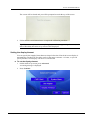
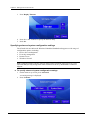
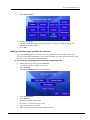
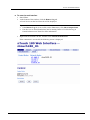
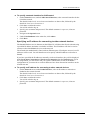
Chapter 5 - Setting up the nTouch 180 unit 3. Press Display Timeout. 4. Press the + and - buttons to specify the timeout delay. 5. Press Set. Specifying advanced system configuration settings The nTouch 180 runs Microsoft Windows Embedded Standard and supports a wide range of configuration options, including: Device driver management Event log management Remote access Windows firewall. Note: Changing settings can have adverse affects on the operation of the unit, so it is very important that you only change them when instructed to do so by MediaMatrix Technical Support. To specify advanced system configuration settings 1. On the main set up screen, press Advanced. A warning message is displayed. 2. Press Continue. 28 Version 1.7.2.0 March 27, 2015