1
Part 4: TROUBLESHOOTING
BJC-8200
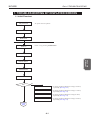
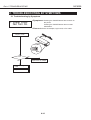
2. TROUBLESHOOTING BY SYMPTOMS
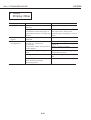
2.1 Troubleshooting by Symptoms
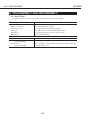
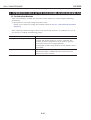
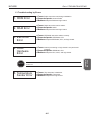
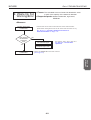
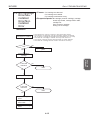
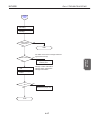
<Symptoms> Pressing the POWER button fails to switch on
1. Power Does
Not Turn On
the printer.
Pressing the POWER button does not start
initialization.
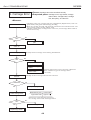
<Cause> Defective AC adapter, logic board, or DC cable
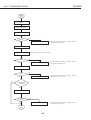
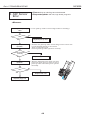
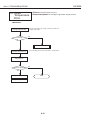
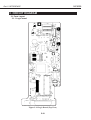
Check if AC adapter
outputs +5 Vdc
+5 Vdc
GND
OK?
No
Yes
Replace the AC adapter
1. Replace the logic
board
2. Replace the DC cable
4-14