1
Chapter 7
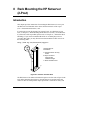
Rack Mounting the HP Netserver (4-Post)
Attaching the Front Bezel
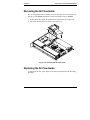
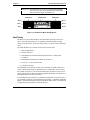
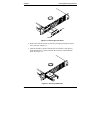
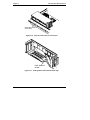
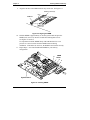
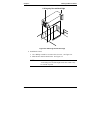
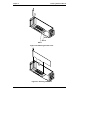
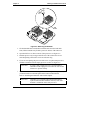
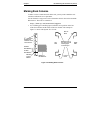
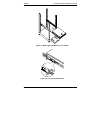
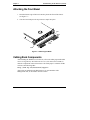
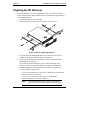
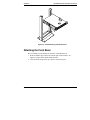
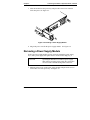
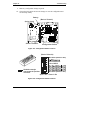
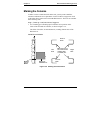
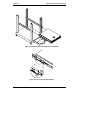
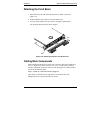
1. Hook the bottom edge of the bezel onto the pins at the front of the chassis.
See Figure 7-7.
2. Close the bezel and press the top corners to snap it into place.
Pin
A
B
Pin
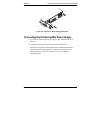
Figure 7-7. Attaching the Bezel
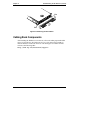
Cabling Rack Components
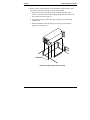
After installing the HP Netserver in the rack, refer to the white paper entitled HP
Netserver High Density Rack Solutions Overview (LP 1000r and LP 2000r) to
cable the components in the rack enclosure. The white paper is available on HP’s
web site at the following URL:
http://www.hp.com/netserver/support
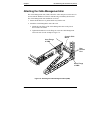
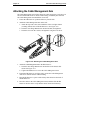
After cables are attached to the HP Netserver you can attach the Cable
Management Arm, as described in the next section.
63