1
Slide Functions and Keypad Lock
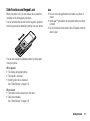
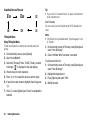
When your phone is on, you can make a call or answer an
incoming call by sliding open your phone.
You can terminate the call and lock the keypad to prevent it
from being pressed accidentally by sliding close your phone.
Note
• You can use some applications even when your phone is
closed.
• Some Java™ applications are suspended when your phone
is closed.
• Do not stick items on the back of the LCD display when the
slider is open.
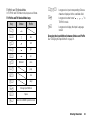
You can also operate the following actions by sliding open/
close your phone.
When opened:
• The display and keypad light up.
• The keypad is unlocked.
• Incoming calls can be answered.
See “Slider Settings” on page 118.
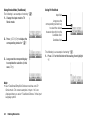
When closed:
• The handset sends a busy tone to the caller.
• Calls are terminated.
See “Slider Settings” on page 118.
Getting Started
17