1
5.
How to use DvrAdmin
5.1
Connect
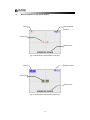
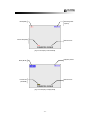
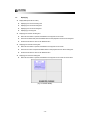
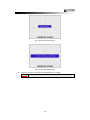
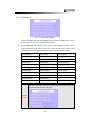
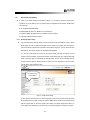
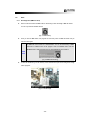
Once you put the right IP address, PORT number, ID and PASSWORD, click CONN button to
display the images as in Fig. 5-1 below.
[Fig. 5-1 Connection Button and Quad Pictures in Live Mode]
You can exit the program at any time, by clicking the POWER button on the GUI.
5.2
Live and Playback
5.2.1
►
Live Mode
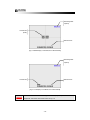
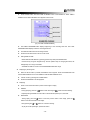
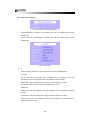
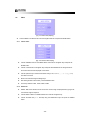
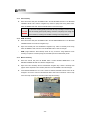
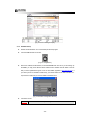
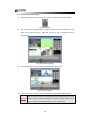
Click LIVE button to see the image from the system in live mode.
[Fig. 5-2 LIVE Button]
5.2.2
►
Playback
In order to see the past recorded material, the software needs to be in past playback mode.
Please follow the below instructions to view past images.
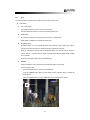
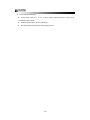
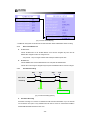
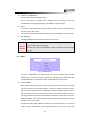
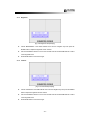
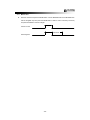
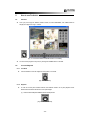
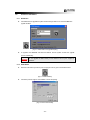
(1) Click the REC BAR (RECORDING STATUS BAR) button.
[Fig. 5-3 REC BAR Button]
- 43 -