1
c.
In
ss
on
ric
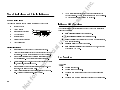
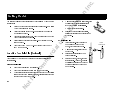
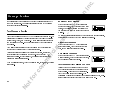
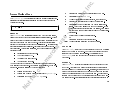
If you try to place a call and the wireless network is not available, your phone
automatically redials the number every 15 seconds for three minutes if the
AUTO RETRY feature is enabled. See “Call Setup Menu” on page 40.
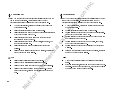
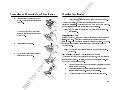
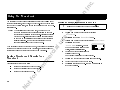
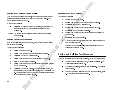
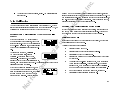
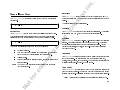
% When your phone receives a call, the ring tone
sounds (unless you have disabled it through the
Sounds menu) the words Call Receive
flash in the display, the display and keypad backlighting flash, and the indicator light on top of the
phone rapidly flashes green.
If you have Caller Number Identification (Caller ID) service from your service provider, the caller's phone number is shown in the display. If the caller's
number is stored in the phonebook, the name stored with the number is also
shown when the call is received.
1
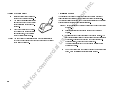
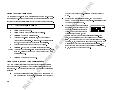
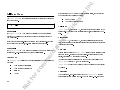
Open the flip to answer the call. If the flip has been deactivated in
the Answer Opt menu, answer the phone by opening the flip
and pressing . See “Call Setup Menu” on page 40.
The words Call Receive are replaced by the call timer display,
if the call timer was enabled using theCall Timer menu. See
“Call Setup Menu” on page 40.
2
Close the flip to end the call. If the flip has been deactivated in the
Answer Opt menu, press
to end the call.
m
er
ci
al
us
e
N
% -E
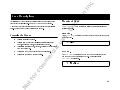
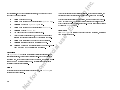
accesses the wireless network.
Call replaces Dialing in the display when the call is connected.
If the Call Timer is enabled, the duration of the call, in minutes
and seconds, appears beside Call.
When you finish your conversation, press
or close the flip
to end the call.
co
m
4
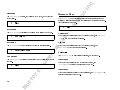
. Dialing is shown in the display while your phone
or
3
Press
to erase one or more digits in the display, or
to erase all digits.
tf
CC
Y
You can press
press and hold
No
Y
N
21