1
Deleting Entries from the Callers List
You can delete individual items from the Callers List, or you can delete all items in the Callers
List.
IP Phone UI
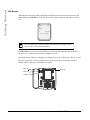
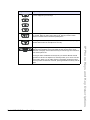
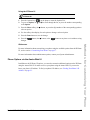
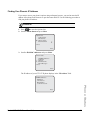
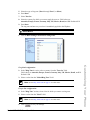
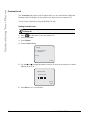
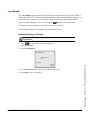
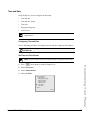
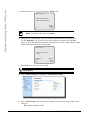
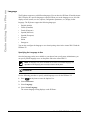
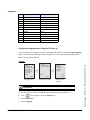
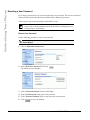
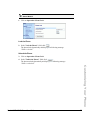
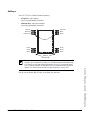
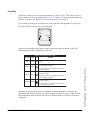
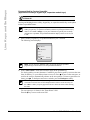
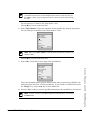
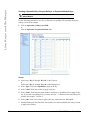
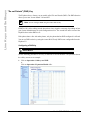
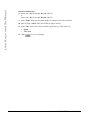
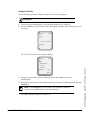
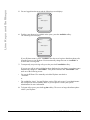
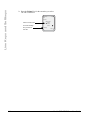
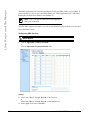
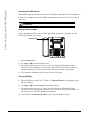
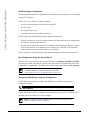
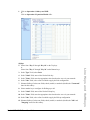
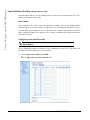
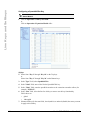
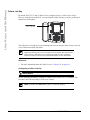
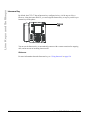
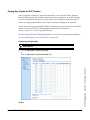
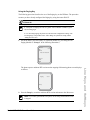
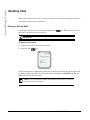
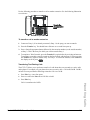
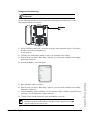
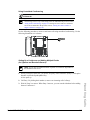
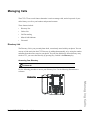
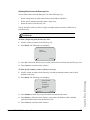
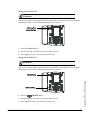
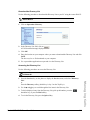
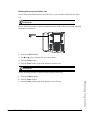
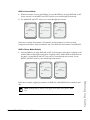
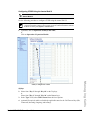
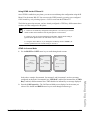
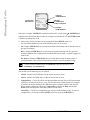
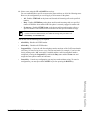
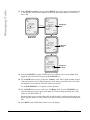
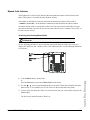
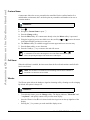
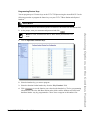
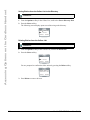
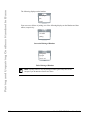
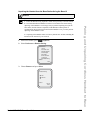
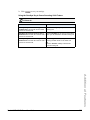
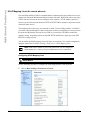
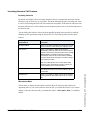
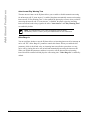
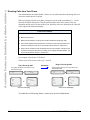
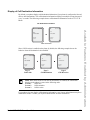
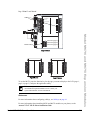
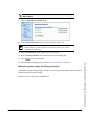
Use the following procedure to delete an individual item from the Callers List. Use the following
illustration as a reference.
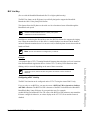
Callers List
Key
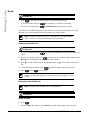
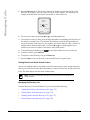
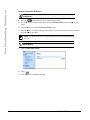
1. Press the Callers List Key.
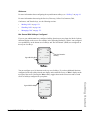
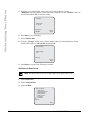
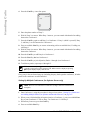
2. Use 2 and 5 keys to find the item you want to delete.
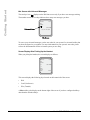
3. Press the Delete softkey.
4. Press the Delete softkey again at the prompt to erase the item.
IP Phone UI
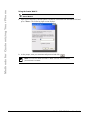
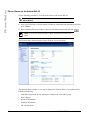
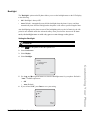
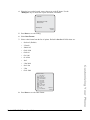
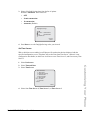
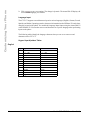
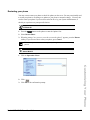
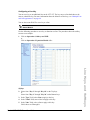
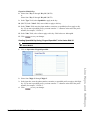
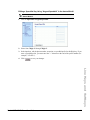
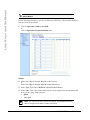
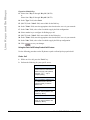
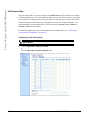
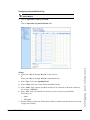
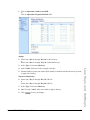
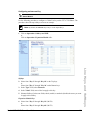
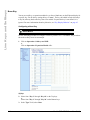
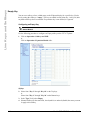
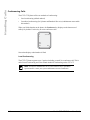
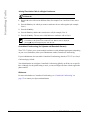
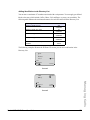
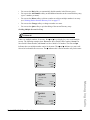
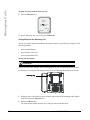
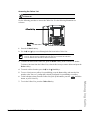
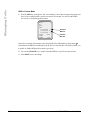
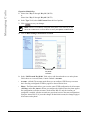
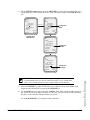
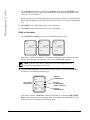
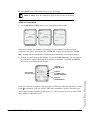
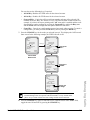
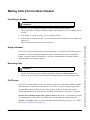
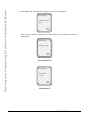
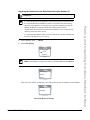
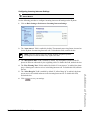
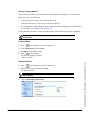
Use the following procedure to delete all items from the Callers List.
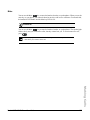
1. Press the Callers List Key.
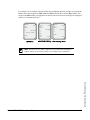
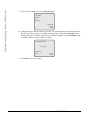
2. Press the Delete softkey.
Model 6757i CT IP Phone User Guide
Managing Calls
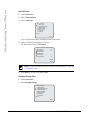
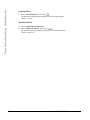
3. Press the Delete softkey again at the prompt to erase all items.
185