1
Live Dialpad*
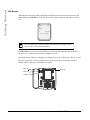
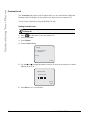
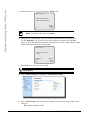
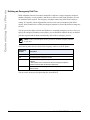
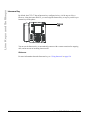
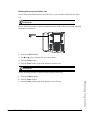
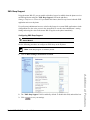
The "Live Dialpad" option on the IP phone turns the Live Dial Pad mode ON or OFF. With live
dial pad ON, the 6757i CT IP phone automatically dials out and turns ON Handsfree mode as soon
as a dial pad key or softkey is pressed. With live dial pad OFF, if you dial a number while the
phone is on-hook, lifting the receiver or pressing the
initiates a call to that number.
*Availability of feature dependant on your phone system or service provider.
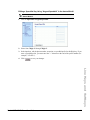
You can enable/disable the live dialpad using the IP Phone UI only.
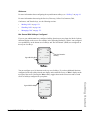
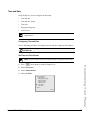
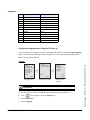
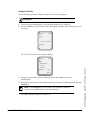
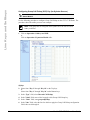
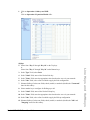
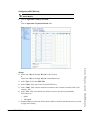
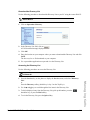
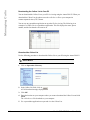
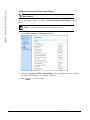
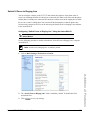
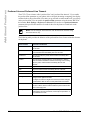
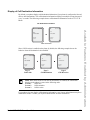
Enabling/Disabling Live Dialpad
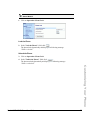
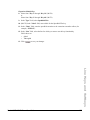
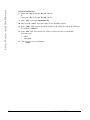
IP Phone UI
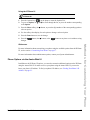
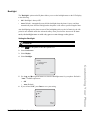
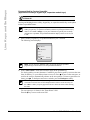
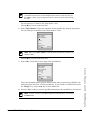
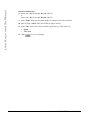
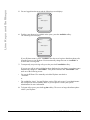
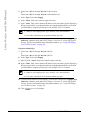
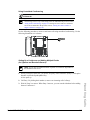
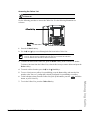
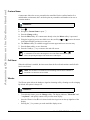
1. Press
on the phone to enter the Options List.
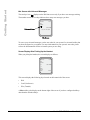
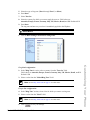
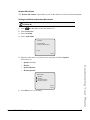
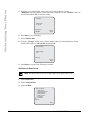
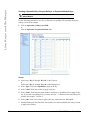
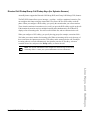
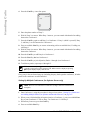
2. Select Preferences.
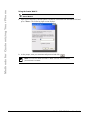
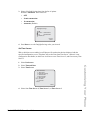
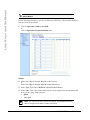
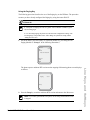
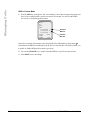
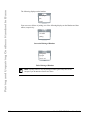
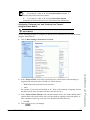
3. Select Live Dialpad.
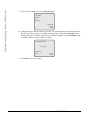
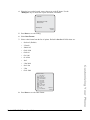
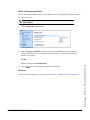
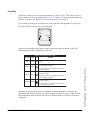
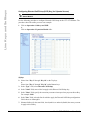
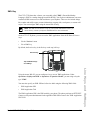
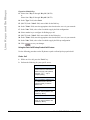
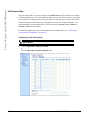
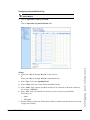
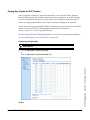
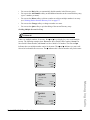
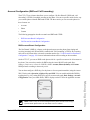
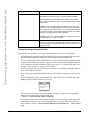
Live Dialpad
Live Dialpad is
OFF
- Change
Customizing Your Phone
Cancel Done -
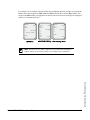
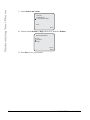
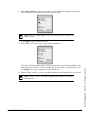
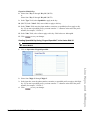
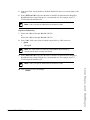
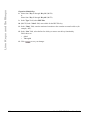
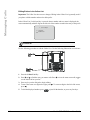
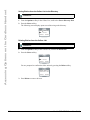
4. Use the Change softkey to turn the live dialpad ON or OFF.
5. Press Done to save your setting.
Model 6757i CT IP Phone User Guide
33