1
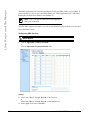
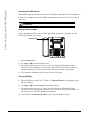
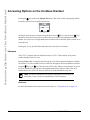
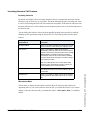
Accessing Options on the Cordless Handset
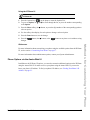
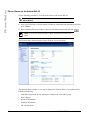
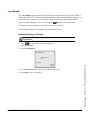
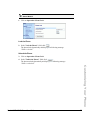
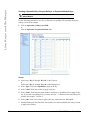
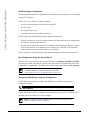
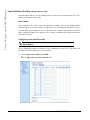
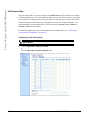
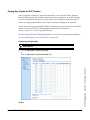
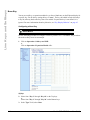
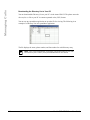
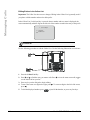
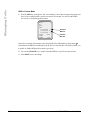
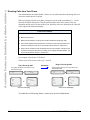
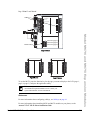
Saving Entries from the Callers List to the Directory
Handset UI
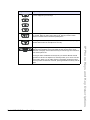
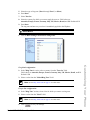
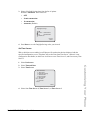
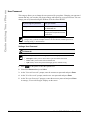
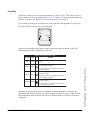
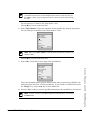
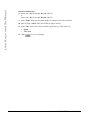
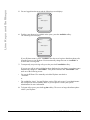
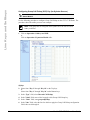
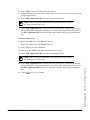
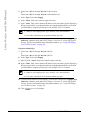
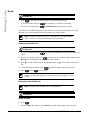
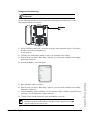
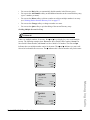
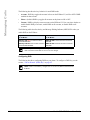
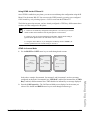
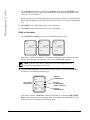
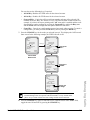
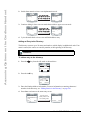
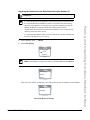
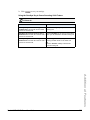
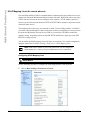
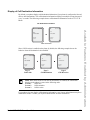
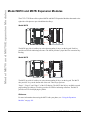
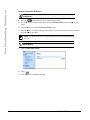
1. From the Options softkey in the Callers List, scroll to the Save to Directory Item.
2. Press the Select softkey.
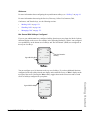
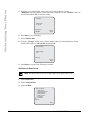
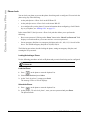
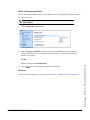
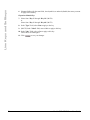
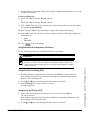
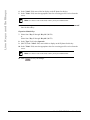
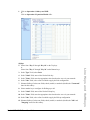
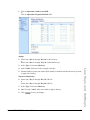
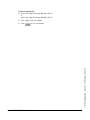
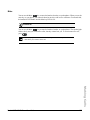
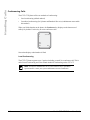
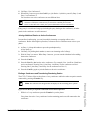
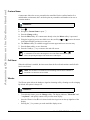
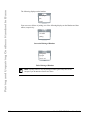
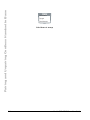
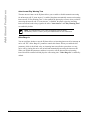
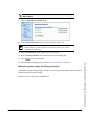
The following screen displays upon successful saving to the directory.
Save
´ ½=
Directory
Scroll
Cancel
Select
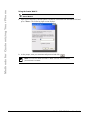
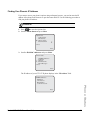
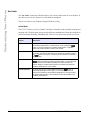
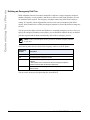
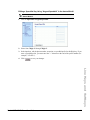
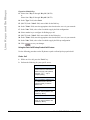
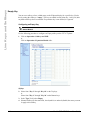
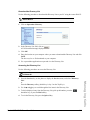
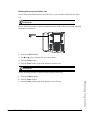
Deleting Entries from the Callers List
Handset UI
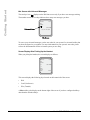
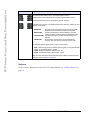
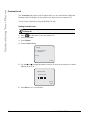
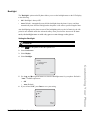
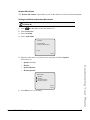
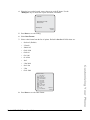
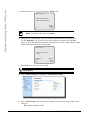
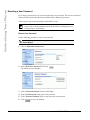
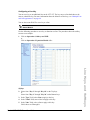
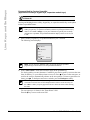
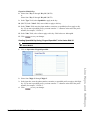
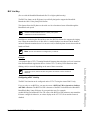
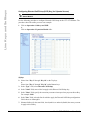
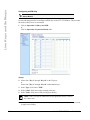
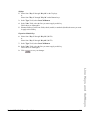
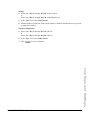
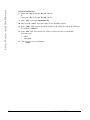
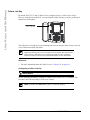
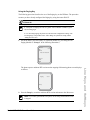
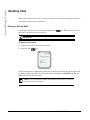
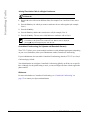
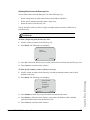
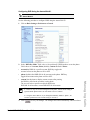
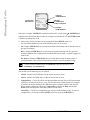
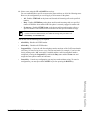
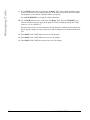
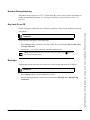
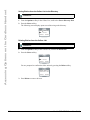
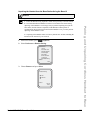
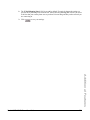
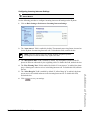
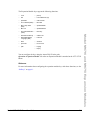
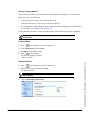
1. From the Options softkey of the Callers List, scroll to the Delete Item.
2. Press the Select softkey.
Delete
´ ½=
Scroll
Cancel
Select
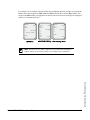
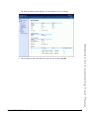
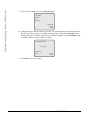
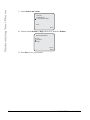
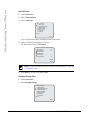
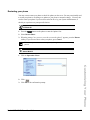
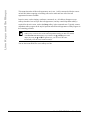
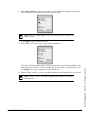
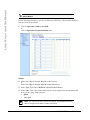
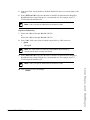
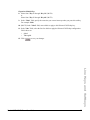
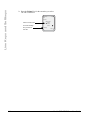
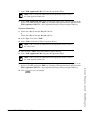
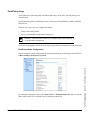
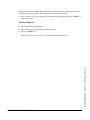
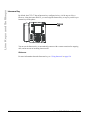
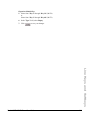
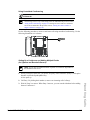
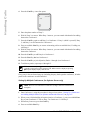
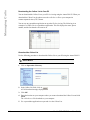
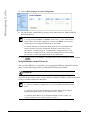
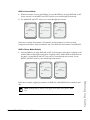
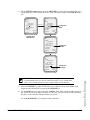
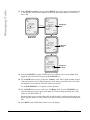
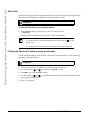
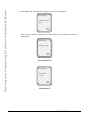
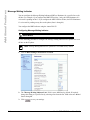
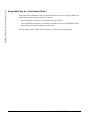
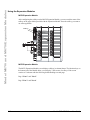
You are prompted to confirm the delete action by pressing the Delete softkey.
Delete again to
erase this item
Cancel
Delete
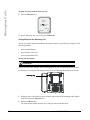
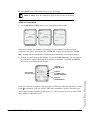
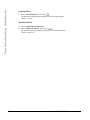
3. Press Delete to remove the item.
230
Model 6757i CT IP Phone User Guide