1
User’s Guide – Osprey 75/102/130
Chapter 5: Preparations before printing
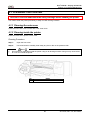
5.1.3 Precaution on storing media
•
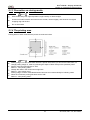
Notes
Store media away from high temperature, high humidity or direct sunlight.
•
Unused roll media must be removed from the scroller, rewound tightly, and stored in the original
wrapping bag and the box.
•
Do not wet media.
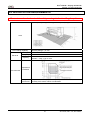
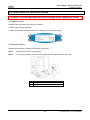
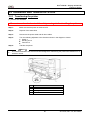
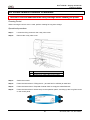
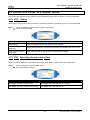
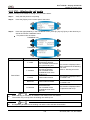
5.1.4 The printing area
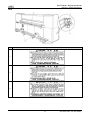
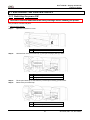
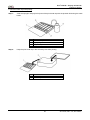
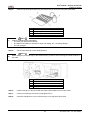
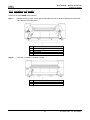
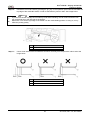
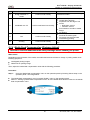
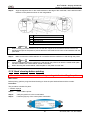
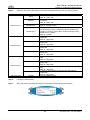
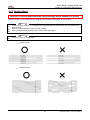
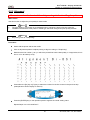
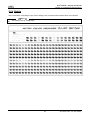
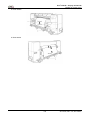
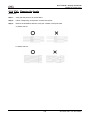
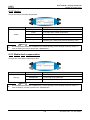
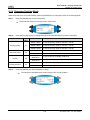
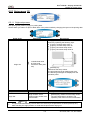
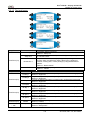
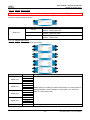
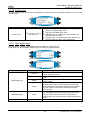
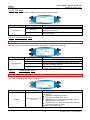
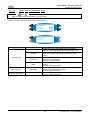
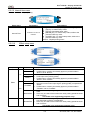
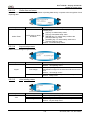
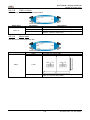
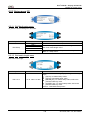
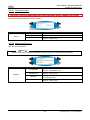
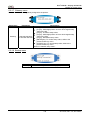
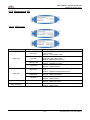
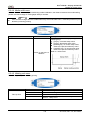
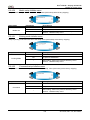
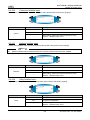
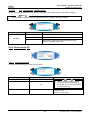
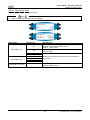
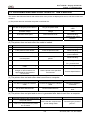
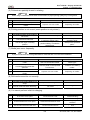
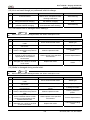
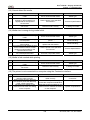
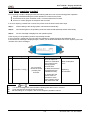
Printing areas of each media with the printer are as shown below.
•
•
•
•
•
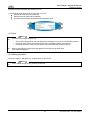
Notes
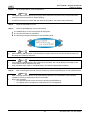
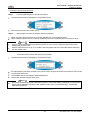
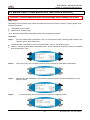
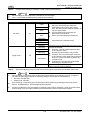
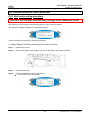
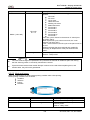
Printing margin C of the media feed direction is preset at the factory to 0mm as the initial value. To
change printing margin C, reset it by following the steps in "Menu setup on the operation panel".
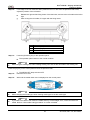
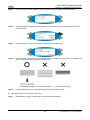
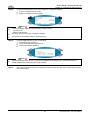
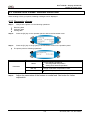
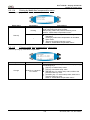
Set the continuous printing item to "ON".
Refer to: “Joint printing menu”
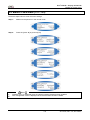
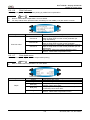
Change the value in the continuous margin item.
Refer to: “Joint margin menu”
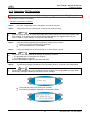
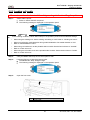
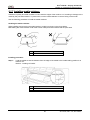
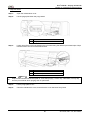
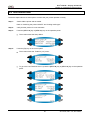
Printing margin A of the media feed direction becomes 0 mm automatically for following cases.
When the continuous printing has been set as "ON".
Refer to: “Joint printing menu”
79
AP-75102, Rev. 2.0, 28/11/2007