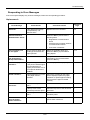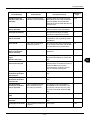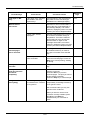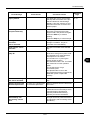
1
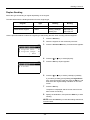
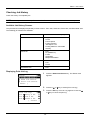
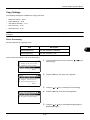
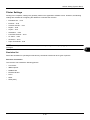
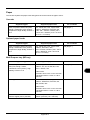
Default Setting (System Menu)
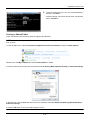
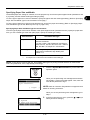
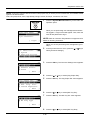
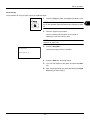
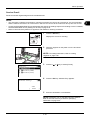
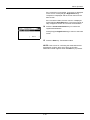
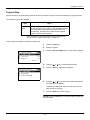
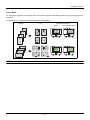
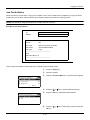
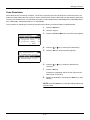
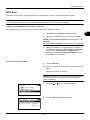
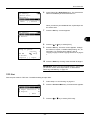
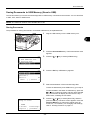
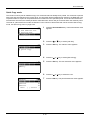
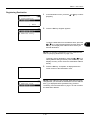
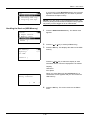
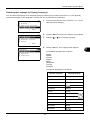
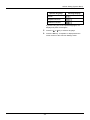
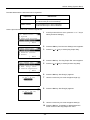
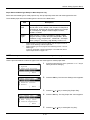
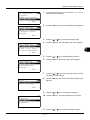
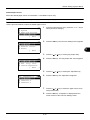
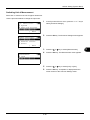
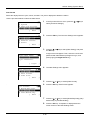
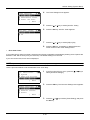
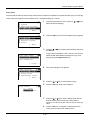
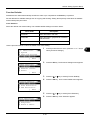
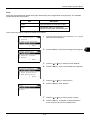
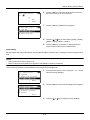
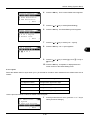
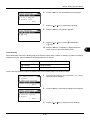
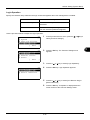
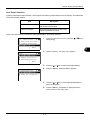
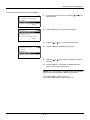
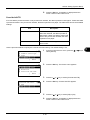
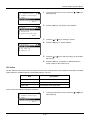
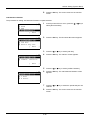
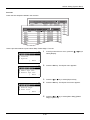
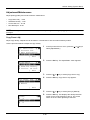
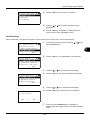
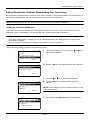
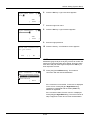
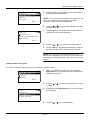
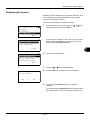
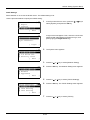
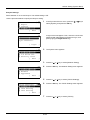
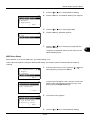
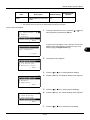
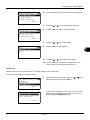
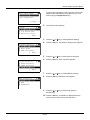
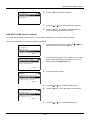
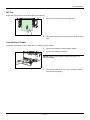
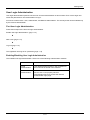
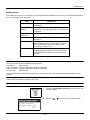
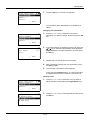
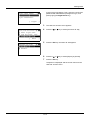
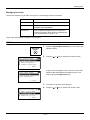
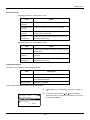
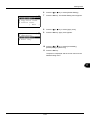
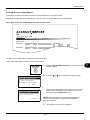
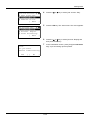
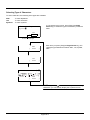
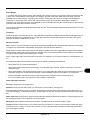
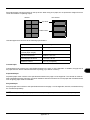
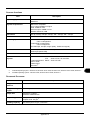
Correct. Bk Line: a b
1
*Off
*********************
2 On(Low)
3 On(High)
4
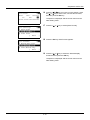
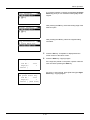
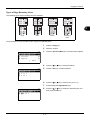
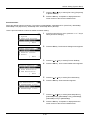
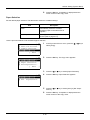
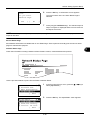
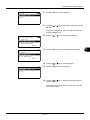
Press the OK key. Correct. Bk Line appears.
5
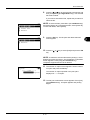
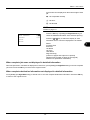
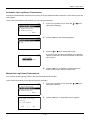
Press the U or V key to select [Off], [On(Low)] or
[On(High)].
6
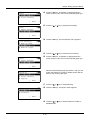
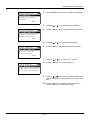
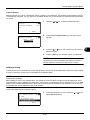
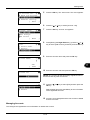
Press the OK key. Completed. is displayed and the
screen returns to the Adjust/Maint. menu.
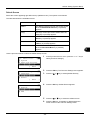
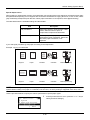
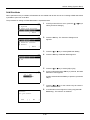
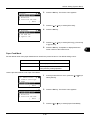
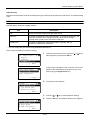
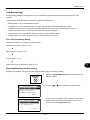
New Developer
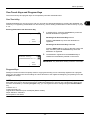
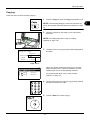
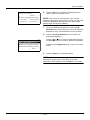
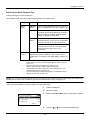
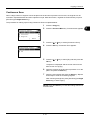
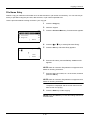
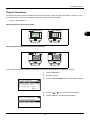
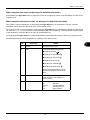
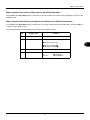
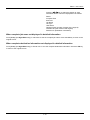
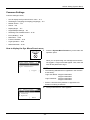
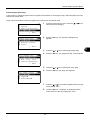
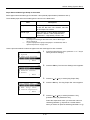
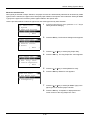
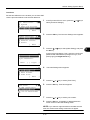
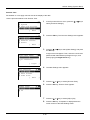
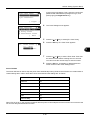
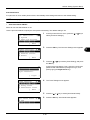
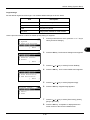
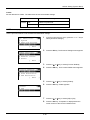
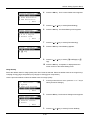
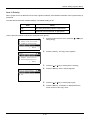
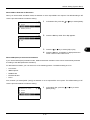
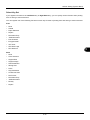
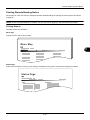
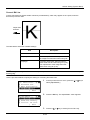
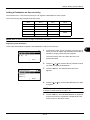
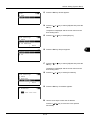
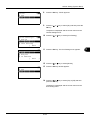
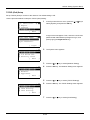
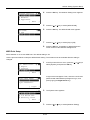
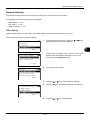
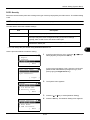
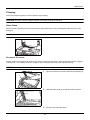
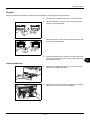
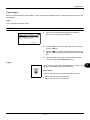
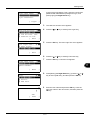
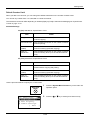
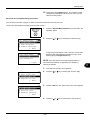
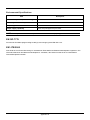
When the printing is too light or incomplete, even though there is enough toner, refresh the developer.
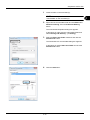
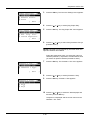
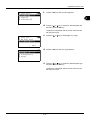
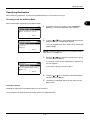
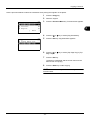
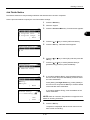
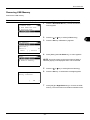
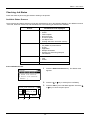
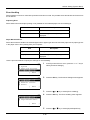
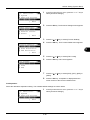
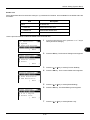
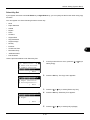
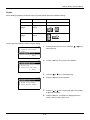
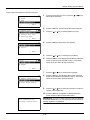
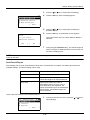
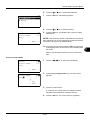
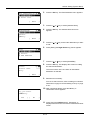
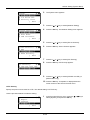
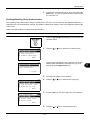
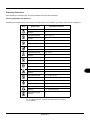
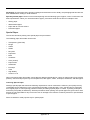
Sys. Menu/Count.:a b
: Document Box
; Edit Destination
<
Adjust/Maint.
*********************
[ Exit
]
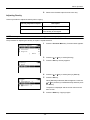
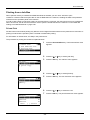
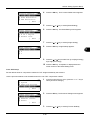
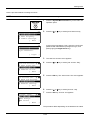
Adjust/Maint.:
a b
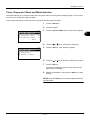
1
Copy
Denst.
Adj.
*********************
2 Send/Box Density
3 Correct. Bk Line
[ Exit
]
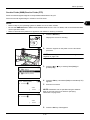
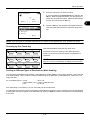
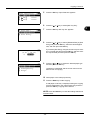
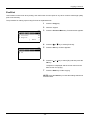
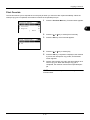
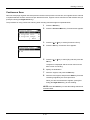
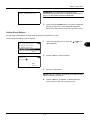
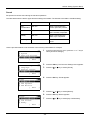
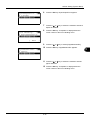
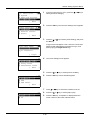
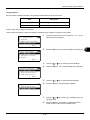
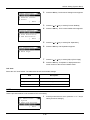
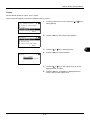
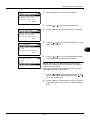
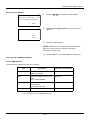
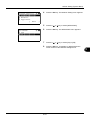
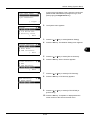
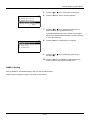
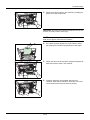
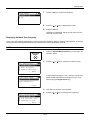
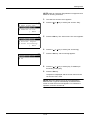
Service Setting: a b
1
Service Status
*********************
2 Network Status
3 New Developer
[ Exit
]
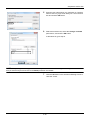
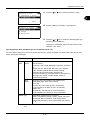
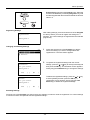
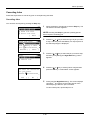
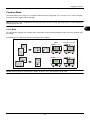
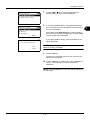
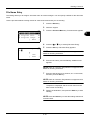
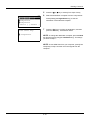
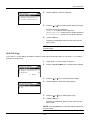
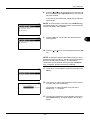
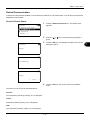
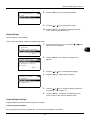
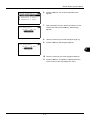
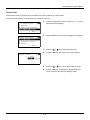
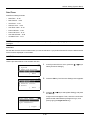
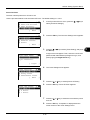
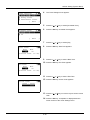
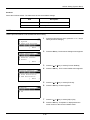
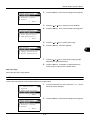
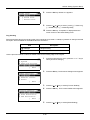
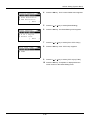
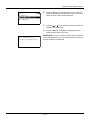
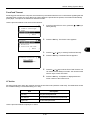
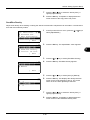
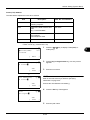
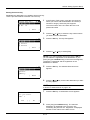
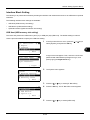
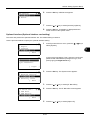
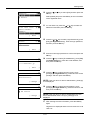
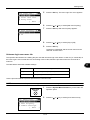
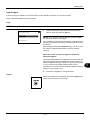
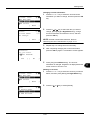
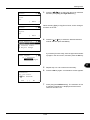
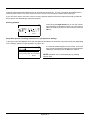
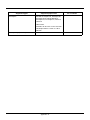
New Developer.
Are you sure?
[
Yes
] [
No
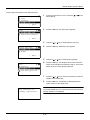
1
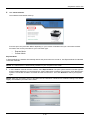
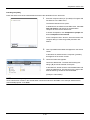
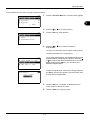
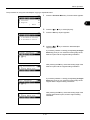
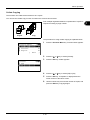
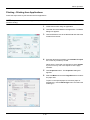
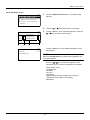
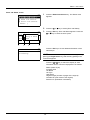
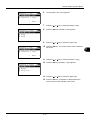
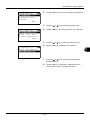
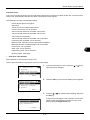
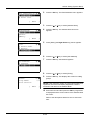
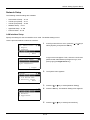
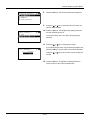
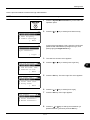
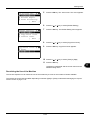
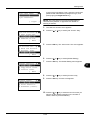
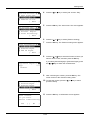
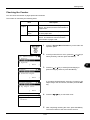
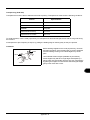
In the Sys. Menu/Count. menu, press the U or V key to
select [Adjust/Maint.].
8
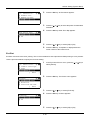
2
Press the OK key. The Adjust/Maint. menu appears.
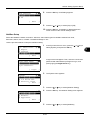
3
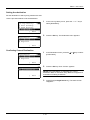
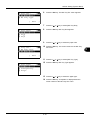
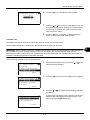
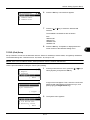
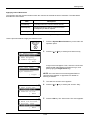
Press the U or V key to select [Service Setting].
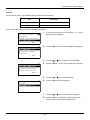
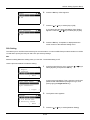
4
Press the OK key. The Service Setting menu appears.
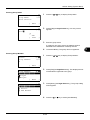
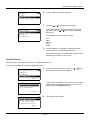
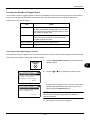
5
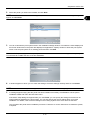
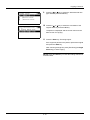
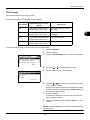
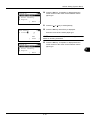
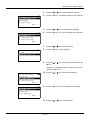
Press the U or V key to select [New Developer].
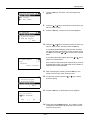
6
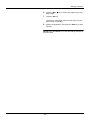
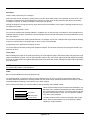
Press the OK key. A confirmation screen appears.
7
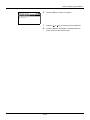
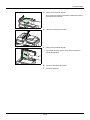
Press [Yes] (the Left Select key). Completed. is
displayed and the screen returns to the Service Setting
menu.
]
8-101