1
Default Setting (System Menu)
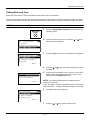
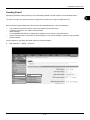
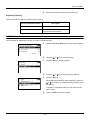
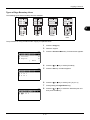
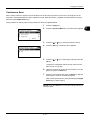
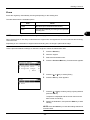
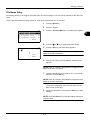
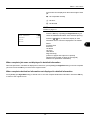
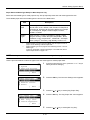
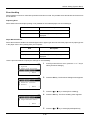
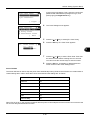
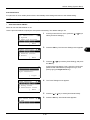
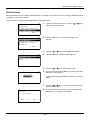
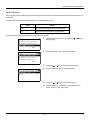
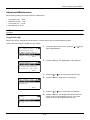
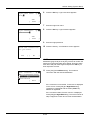
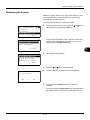
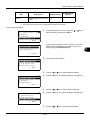
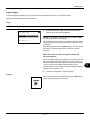
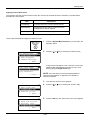
IPv6 Setting:
a b
1
*Off
*********************
2 On
[
Exit
8
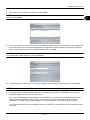
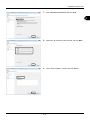
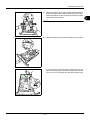
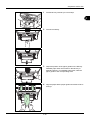
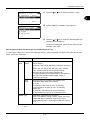
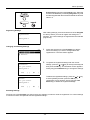
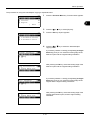
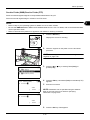
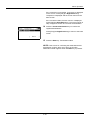
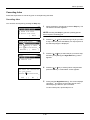
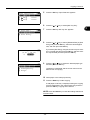
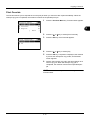
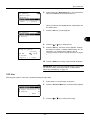
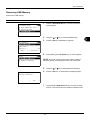
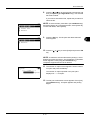
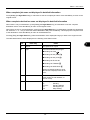
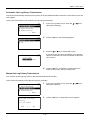
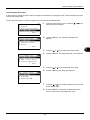
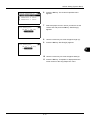
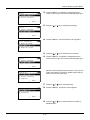
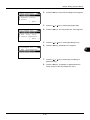
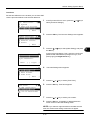
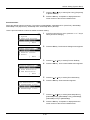
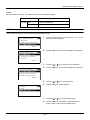
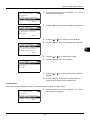
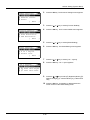
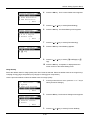
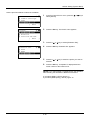
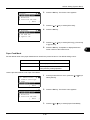
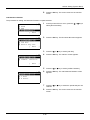
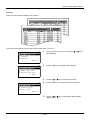
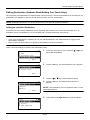
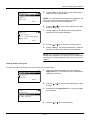
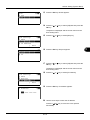
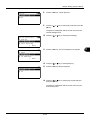
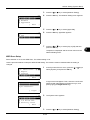
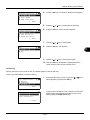
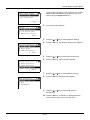
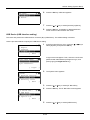
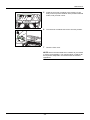
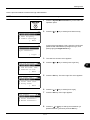
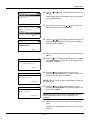
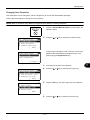
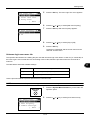
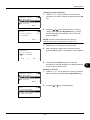
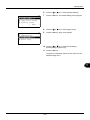
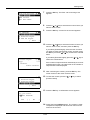
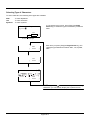
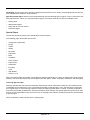
Press the OK key. IPv6 Setting appears.
9
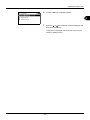
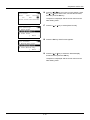
Press the U or V key to select [On] or [Off].
]
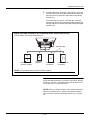
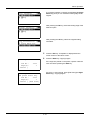
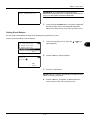
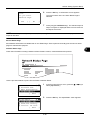
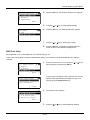
10 Press the OK key. Completed. is displayed and the
screen returns to the TCP/IP Settings menu.
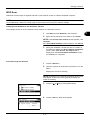
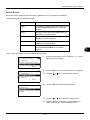
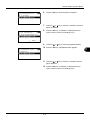
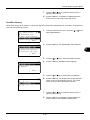
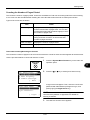
NetWare Setup
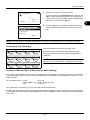
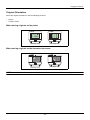
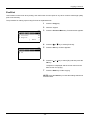
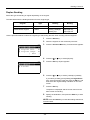
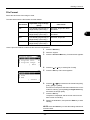
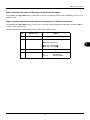
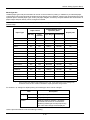
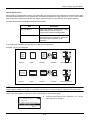
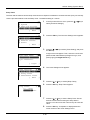
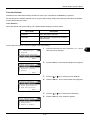
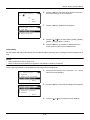
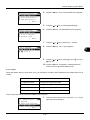
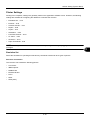
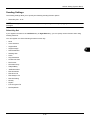
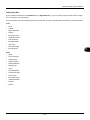
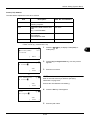
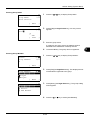
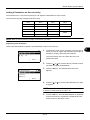
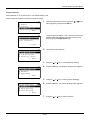
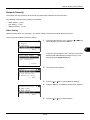
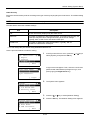
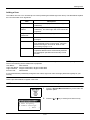
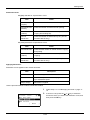
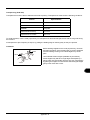
Select the NetWare network connection. After that, select frame types for NetWare network from Auto,
Ethernet-II, 802.3, 802.2, or SNAP. The default settings is "On".
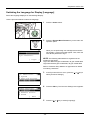
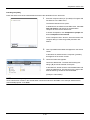
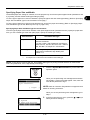
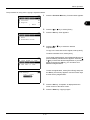
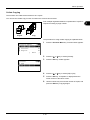
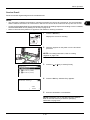
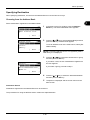
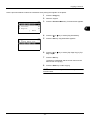
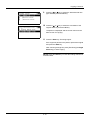
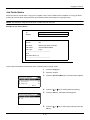
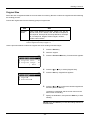
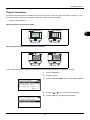
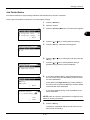
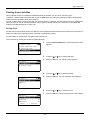
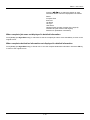
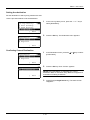
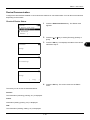
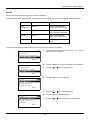
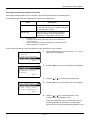
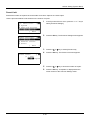
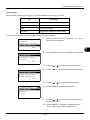
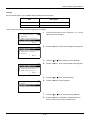
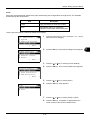
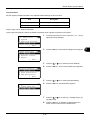
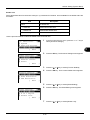
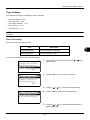
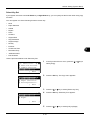
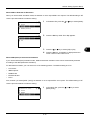
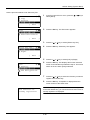
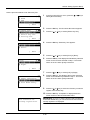
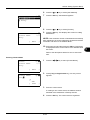
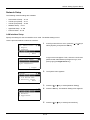
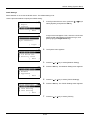
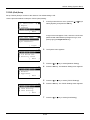
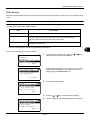
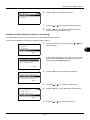
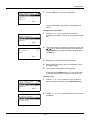
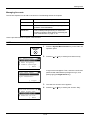
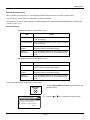
Use the procedure below to setup the NetWare setting.
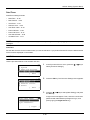
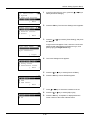
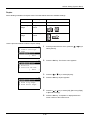
Sys. Menu/Count.:a b
1 Report
2 Counter
3
System
*********************
[ Exit
]
1
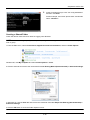
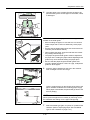
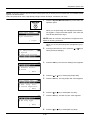
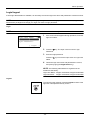
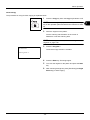
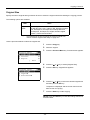
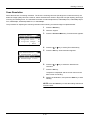
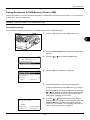
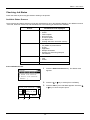
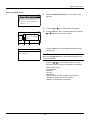
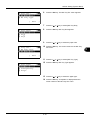
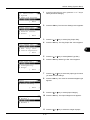
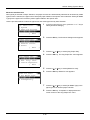
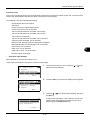
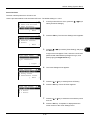
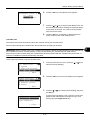
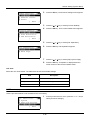
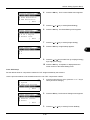
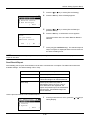
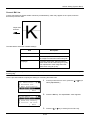
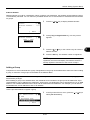
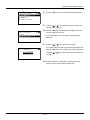
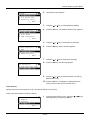
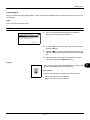
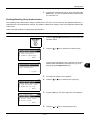
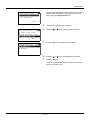
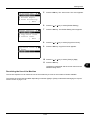
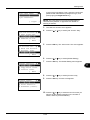
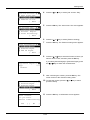
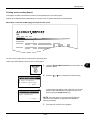
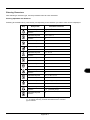
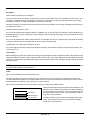
A login screen will appear. Then, enter the user ID and
password with administrator privileges to log in, and
press [Login] (the Right Select key).
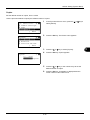
Login User Name: L b
*******************
Login Password:
[ Login
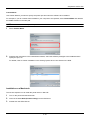
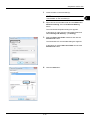
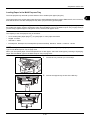
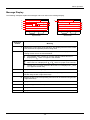
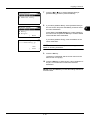
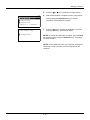
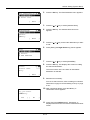
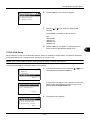
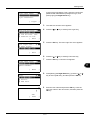
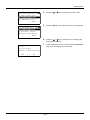
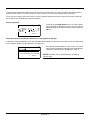
In the Sys. Menu/Count. menu, press the U or V key to
select [System], and press the OK key.
]
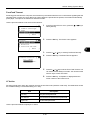
System:
a b
1
Network Setting
*********************
2 I/F Block Set.
3 Security Level
[ Exit
]
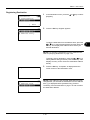
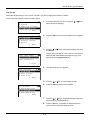
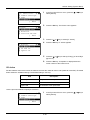
Network Setting: a b
1
TCP/IP Settings
*********************
2 NetWare
3 AppleTalk
[ Exit
]
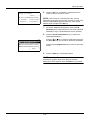
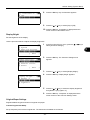
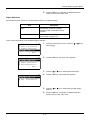
2
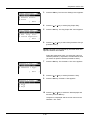
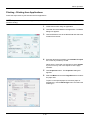
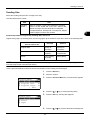
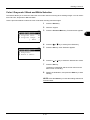
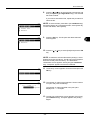
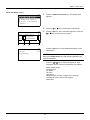
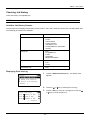
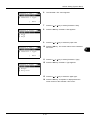
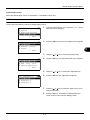
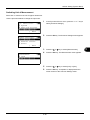
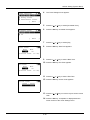
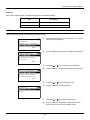
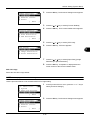
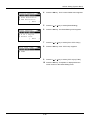
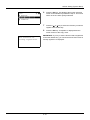
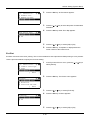
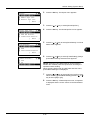
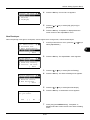
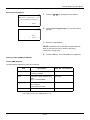
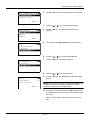
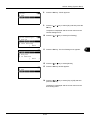
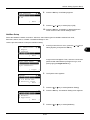
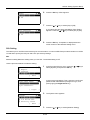
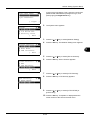
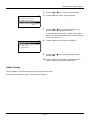
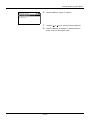
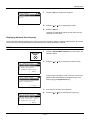
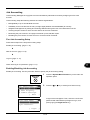
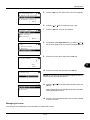
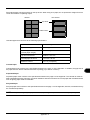
The System menu appears.
3
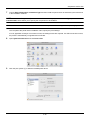
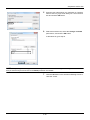
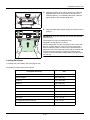
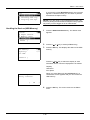
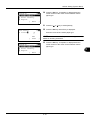
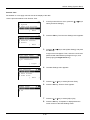
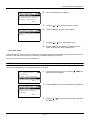
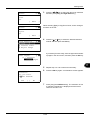
Press the U or V key to select [Network Setting].
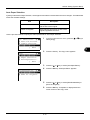
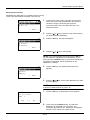
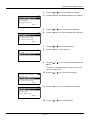
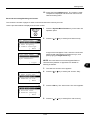
4
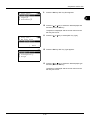
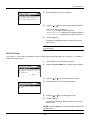
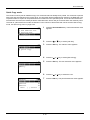
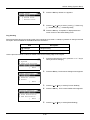
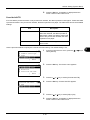
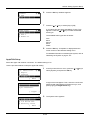
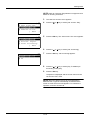
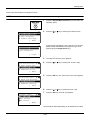
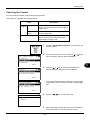
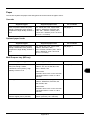
Press the OK key. The Network Setting menu appears.
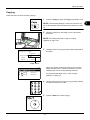
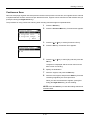
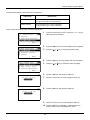
5
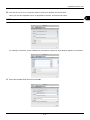
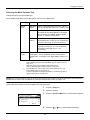
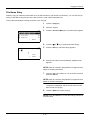
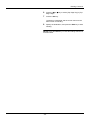
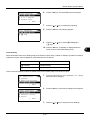
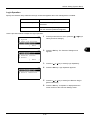
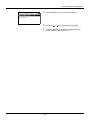
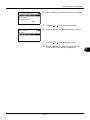
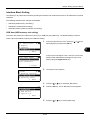
Press the U or V key to select [NetWare].
8-127
8