1
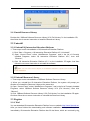
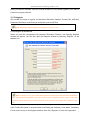
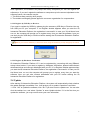
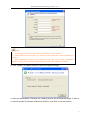
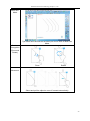
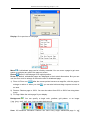
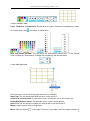
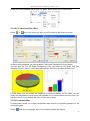
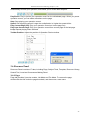
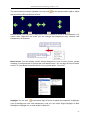
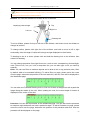
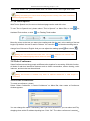
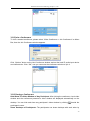
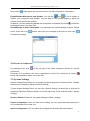
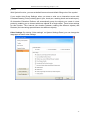
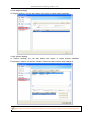
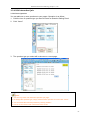
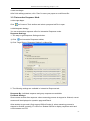
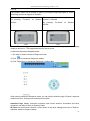
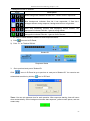
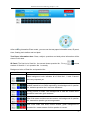
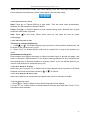
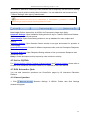
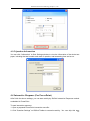
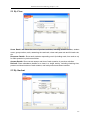
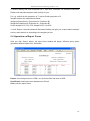
Returnstar Interactive Technology Group Co., Ltd. Prompt: Under Dual-user Mode (Full screen), two users can use select, pencil, brush pen, pen, washing brush, board brush, eraser, line, shape and fill simultaneously. Dual-user Mode (Split Screen) Dual-user Mode (Full Screen) 2. In Dual-user Mode, two pens can write on the board simultaneously; however, Teacher Pen and Student Pen can only control its own Floating Tools toolbar respectively. The handwriting will be recognized automatically while Student Pen uses “Handwriting recognition”. The eraser (except “Erase All”) can clean the digital ink of the other when such writing process is paused. When choosing “Erase All”, Teacher Pen can clean all the digital ink of both Teacher Pen and Student Pen, while Student Pen can only clean its own digital ink. In Dual-user Mode, the mouse can only control teacher‟s Floating Tools toolbar. The Student Pen can not control the floating window or other tools, such as timer or screen tools. Left hotkeys which teacher can use in Dual-user Mode: Select, Pens (double-click to change between four colors), Eraser, Application Shortcuts, Tool Shortcuts and Start (show minimized teacher‟s Floating Tools toolbar); Right hotkeys which student can use in 18