1
Returnstar Interactive Technology Group Co., Ltd.
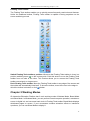
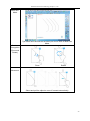
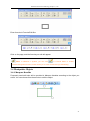
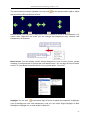
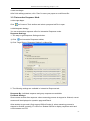
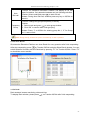
To capture a full screen: click “Full Screen Capture
” to capture the whole screen.
To capture a window on screen: click “Window Capture
” button on the toolbar, select the
window you want to capture, and click the window.
To capture a rectangle screen area: click “Area Capture
”, then press and drag the cursor to
define the rectangle area you want to capture;
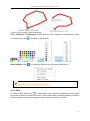
To capture a freehand area: click “Freehand Capture
”, then press and drag the cursor to
freely define the area you want to capture.
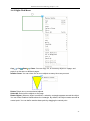
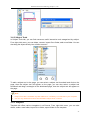
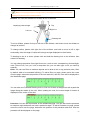
You can also click
to select the inserting method of the captured screen. “Insert to
current page” and “Insert to new page” are available.
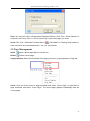
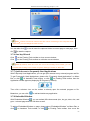
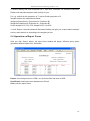
3.7.4 Screen Record and Playing
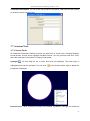
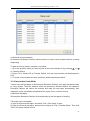
To get Screen Record function, you can click “Tools” on Menu Bar, or click
Tools toolbar, or click
on Assistant
on Floating Tools toolbar.
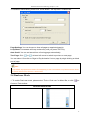
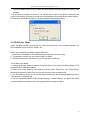
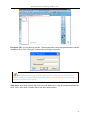
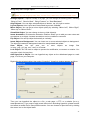
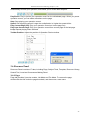
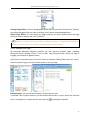
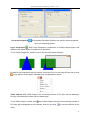
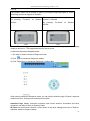
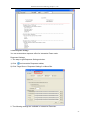
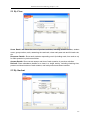
Screen Record: To make a screen record, please select the recording style you want from
“Options”. Video quanlity can also be adjusted.
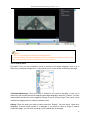
Click
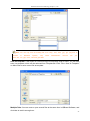
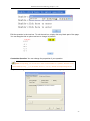
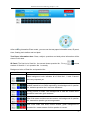
, a Prompt window appears, click “OK”, then a file saving window appears.
Determine the file name and path, then click “Save” to start recording.
62