1
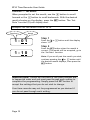
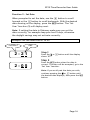
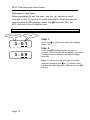
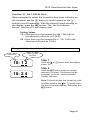
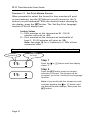
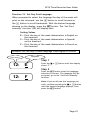
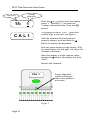
EP10 Time Recorder User Guide Function 2 – Set Date When prompted to set the date, use the + button to scroll forward or the - button to scroll backwards. With the desired date showing on the display, press the SET button. The „Set Year‟ function (3) will display next. Note: If setting the date in February make sure you set the date correctly, for example leap year has 29 days, otherwise the daylight savings may not activate correctly. Example: Set the date from 21 to 05 Function # 2:21 Date Step 1 Press the or shows „05‟. - button until the display Step 2 2:05 Press the SET button when the date is correct. The date will be accepted, go to the „Set Year‟ function. Note: If you scroll past the date you wish, continue pressing the or - button until the desired date displays, then press the SET button. Page 16