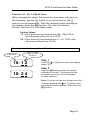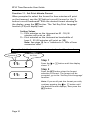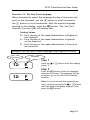
1
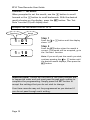
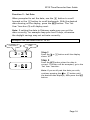
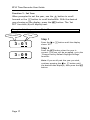
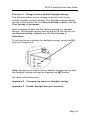
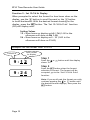
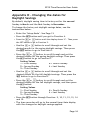
EP10 Time Recorder User Guide Appendix D - Changing the dates for Daylight Savings By default, daylight saving time is factory set for the second Sunday in March and the first Sunday in November. To change the factory set daylight savings dates, see the instructions below. Enter the „Setup Mode‟. See Page 13. Press the SET button until you get to Function 4. + or - button until the display shows „Y‟. Then press the SET button to go to Function 5. Press the Use the + or - button to scroll through and set the desired month for the spring daylight savings. Then press the SET button to go to Function 6. Press the + or - button to scroll through and set the desired Sunday for the spring daylight savings. Then press the SET button to go to Function 7. Setting Values 1 = First Sunday 4 = Fourth Sunday 2 = Second Sunday L = Last Sunday 3 = Third Sunday Use the + or - button to scroll through and set the desired month for the fall daylight savings. Then press the SET button to go to Function 8. Press the + or - button to scroll through and set the desired Sunday for the fall daylight savings, and then press the SET button. Setting Values 1 = First Sunday 4 = Fourth Sunday 2 = Second Sunday L = Last Sunday 3 = Third Sunday Press the SET button through Function. 9, 10, 11, 12, 13, 14 and 15. The time recorder will go to the normal time/date display with the changes for daylight savings applied. Page 34