1
Basic Setup & Internet Access
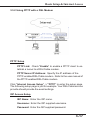
3.5.2 Using PPTP with a DSL Modem
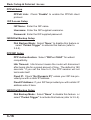
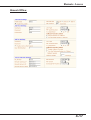
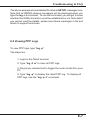
PPTP Setup
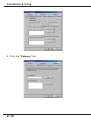
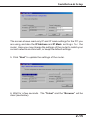
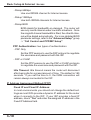
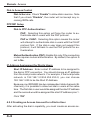
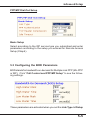
PPTP Link: Check "Enable" to enable a PPTP client to establish a tunnel to a DSL/Cable modem.
PPTP Server IP Address: Specify the IP address of the
PPTP-enabled DSL/Cable modem. Refer to the user manual of
the PPTP-enabled DSL/Cable modem.
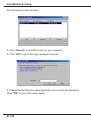
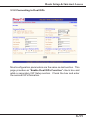
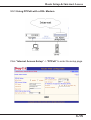
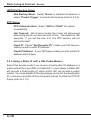
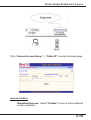
Click "Internet Access Setup" -> "PPTP" to enter the setup page.
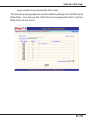
The following setup page is just for example. Your DSL/Cable service
provide should provide the exact settings.
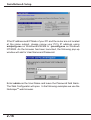
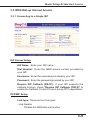
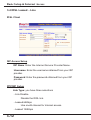
ISP Access Setup
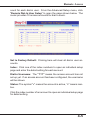
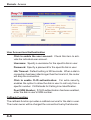
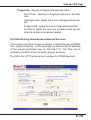
ISP Name: Enter the ISP name.
Username: Enter the ISP supplied username.
Password: Enter the ISP supplied password.
3-17