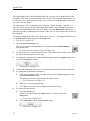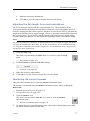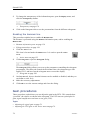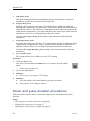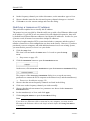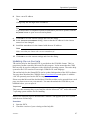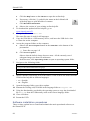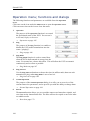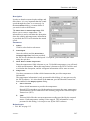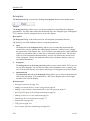
1
Simrad ES70
c
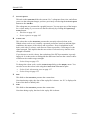
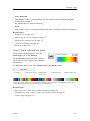
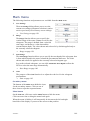
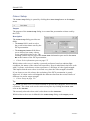
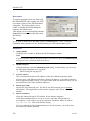
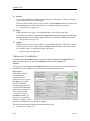
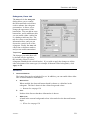
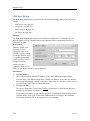
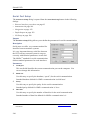
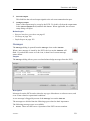
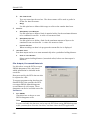
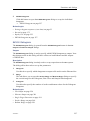
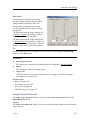
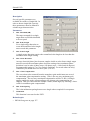
Sensor Input
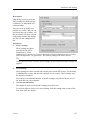
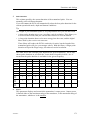
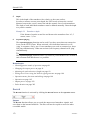
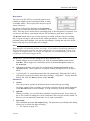
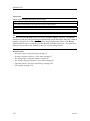
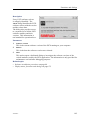
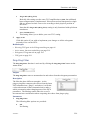
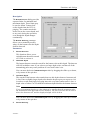
The distance information is received using appropriate datagram(s) from an
external source.
2
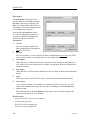
Port
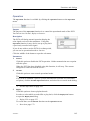
Select which serial or Ethernet port to use for this communication.
3
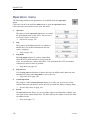
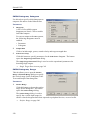
Setup
Once you have selected a serial or Ethernet communication port, click this button to
set up the applicable port parameters. The relevant port setup dialog opens.
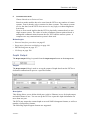
→ Serial Port Setup on page 244
→ LAN Port Setup on page 240
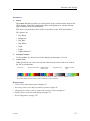
4
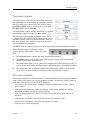
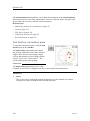
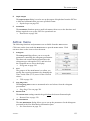
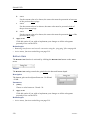
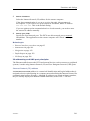
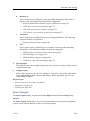
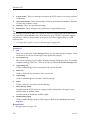
NMEA Sentence
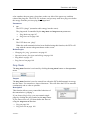
Select which NMEA sentence to be used for the communication.
a
VLW
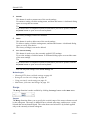
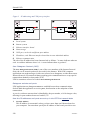
This telegram contains the distance travelled relative to the water and over
the ground.
→ VLW Dual ground/water distance on page 271
5
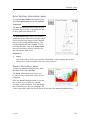
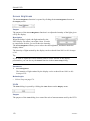
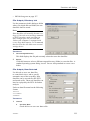
Talker ID
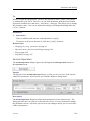
If you wish to specify a dedicated Talker ID on the telegram format, it can be
selected here.
The Talker ID is the first two characters in the NMEA sentence. Select None to
accept all talker identifiers.
Tip
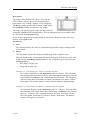
If you do not have a computer keyboard connected to your ES70 system, click the
Keyboard button to open an on-screen keyboard.
6
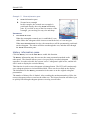
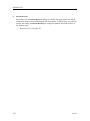
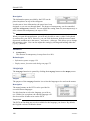
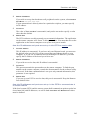
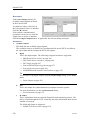
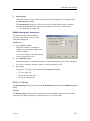
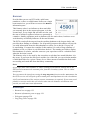
Distance
The current vessel distance can be set manually using the spin box
This parameter is not available if Source is set to Sensor Input.
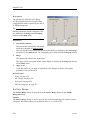
Related topics
• External interface procedures on page 93
• Setup menu; functions and dialogs on page 186
• LAN Port Setup on page 240
• Serial Port Setup on page 244
• About the NMEA telegram format on page 263
• Telegram formats on page 263
198
338106/C