1
CDM-840 Remote Router
Ethernet Management
5.4.4.3
Revision 0
MN-CDM840
Admin Pages
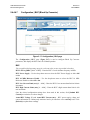
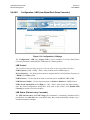
The ‘Admin’ pages (Figure 5-3 through Figure 5-7) provide the means to set up the access
parameters required to facilitate communication with the CDM-840 Web Server Interface.
The Admin pages are available only to users who have logged in using the
Administrator Name and Password.
IMPORTANT
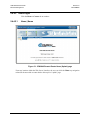
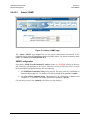
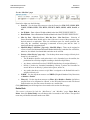
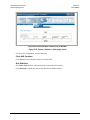
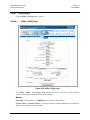
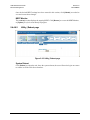
Click the Access, SNMP, FAST, Firmware, or Auto Logout tab to continue.
5.4.4.3.1
Admin | Access
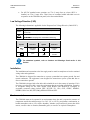
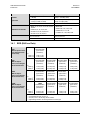
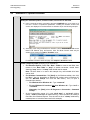
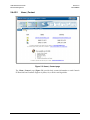
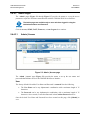
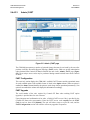
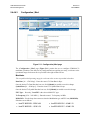
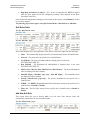
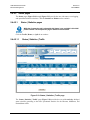
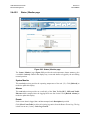
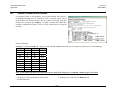
Figure 5-3. Admin | Access page
The ‘Admin | Access’ page (Figure 5-3) provides the means to set up the user names and
passwords that facilitate access to the CDM-840 Web Server Interface.
User
The factory default for both the User Name and Password is comtech. Note the following:
•
The User Name can be any alphanumeric combination with a maximum length of 15
characters.
•
The Password can be any alphanumeric combination with a maximum length of 15
characters. Once created, re-enter that Password in the Confirm Password text box.
Once the desired User Name and Password have been created on this page, click [Submit] to
save.
5–8