1
6-14 EtherLoop system provisioning
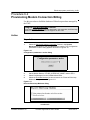
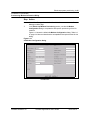
Procedure 6-2 (continued)
Provisioning Modem Connection Billing
Step Action
5
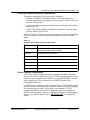
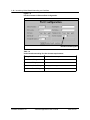
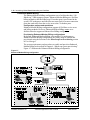
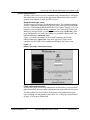
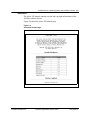
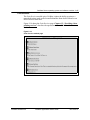
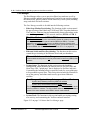
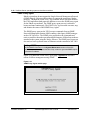
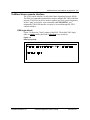
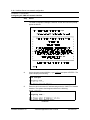
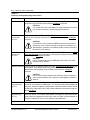
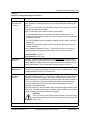
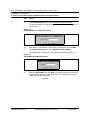
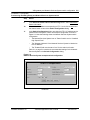
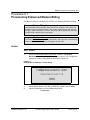
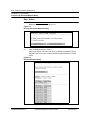
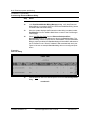
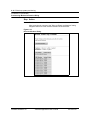
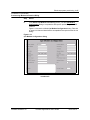
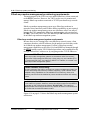
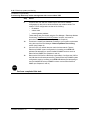
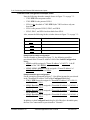
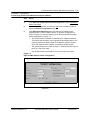
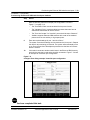
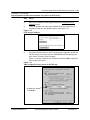
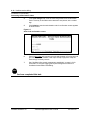
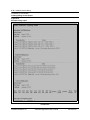
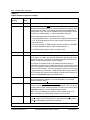
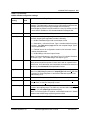
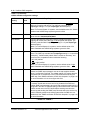
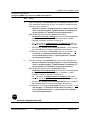
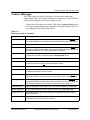
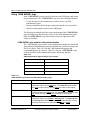
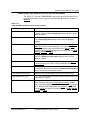
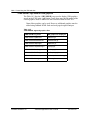
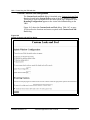
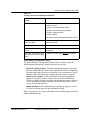
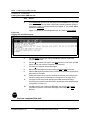
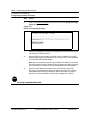
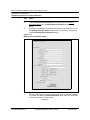
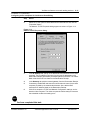
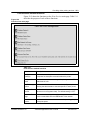
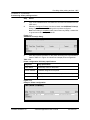
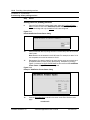
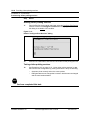
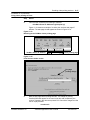
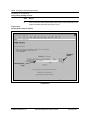
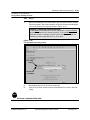
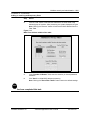
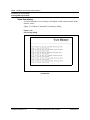
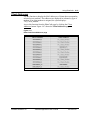
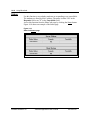
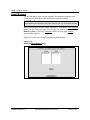
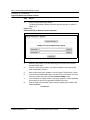
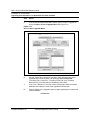
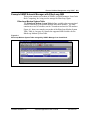
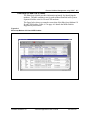
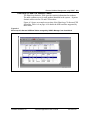
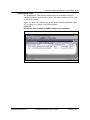
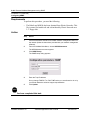
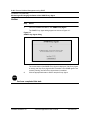
Click "Autodetect Modems" button.
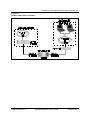
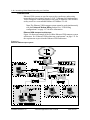
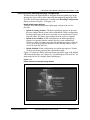
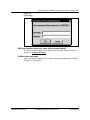
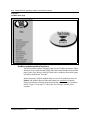
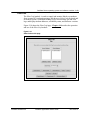
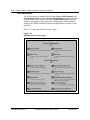
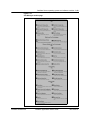
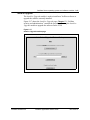
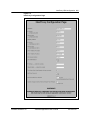
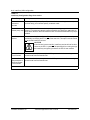
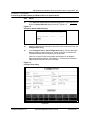
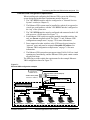
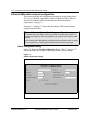
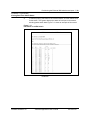
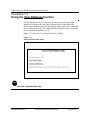
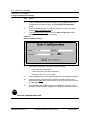
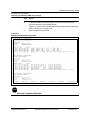
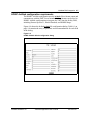
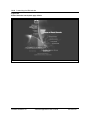
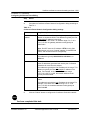
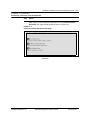
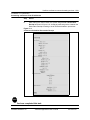
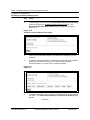
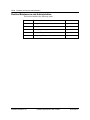
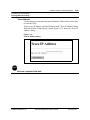
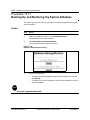
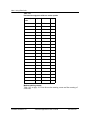
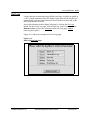
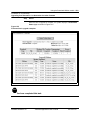
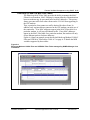
After procesing the command, the "Discover EtherLoop Modems" dialog
reappears with a list of the modems detected as shown below.
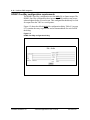
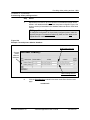
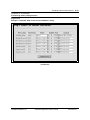
Figure 6-12
Discover Modems Dialog
—continued—
Software Release 2.30
YesWare Applications User’s Guide
08-01016-01