1
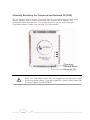
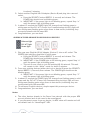
3. An adapter can only generate a private key once. To replace a private key,
first reset the unit back to its factory defaults by pressing the Firmware
Default Reset (FW RST) button for 1 second, then follow the procedure
above.
The use of the SECURITY (Network ID) button is optional. You may also
use the application software described in the manual to set NEK's as
well.
35 of 40