1
Getting Started
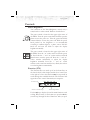
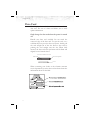
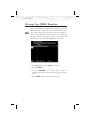
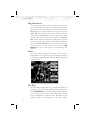
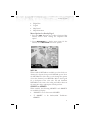
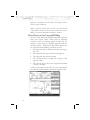
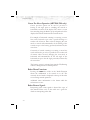
Confirm Current Baro Correction
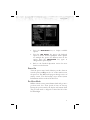
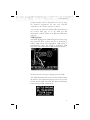
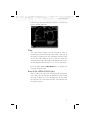
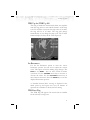
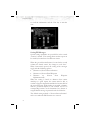
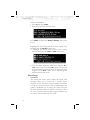
A window may appear at startup, and then every 30
minutes, that displays the current barometric value. You
must verify the current value or enter a new value. Press
BARO + to increase the value. Press BARO - to decrease
the value. Press OK to confirm the existing values or to
accept changes you have just entered.
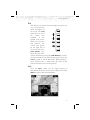
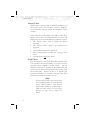
Function Selection
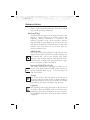
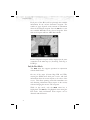
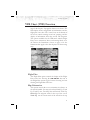
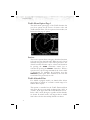
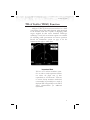
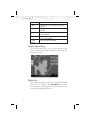
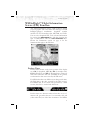
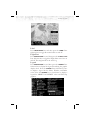
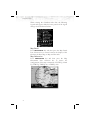
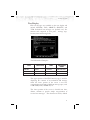
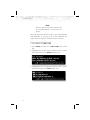
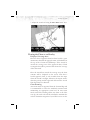
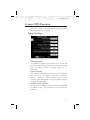
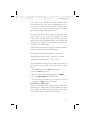
Press the FN key to view the different Functions. The
functions are shown above the function “smart” keys on the
lower part of the display in blue. Press the function key
under the function label to activate that function. The labels
above the function key will change to reflect the custom
“smart” controls for that function. All of the described
functions may not be available in each installation.
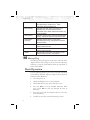
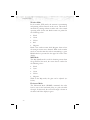
Function
Description
MSG
Message Log Function
MAP
Custom Map Function
IFR
IFR En Route Map
VFR
VFR Sectional Map
SPLIT
Split Screen (Displays Two Functions)
TRAF
Traffic Display
FPL
Flight Plan Information
TER
Terrain Depiction
FIS
Graphic and Text Weather
LT
Lightning Detection and Reporting
CHART
Chart View
RADAR
Weather Radar Function
SYS
System Information
13