1
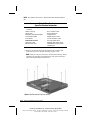
5.14 Diskette Drive (Armada V300 only)
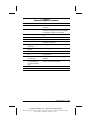
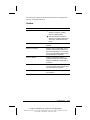
Diskette Drive
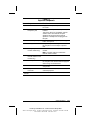
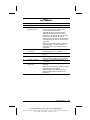
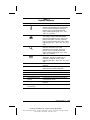
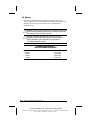
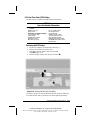
Spare Part Number Information
Diskette drive
160537-001
Removing the Diskette Drive
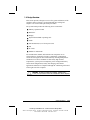
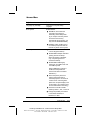
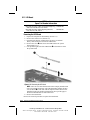
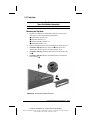
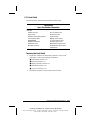
1. Prepare the computer for disassembly (Section 5.3) and, in the
order below, remove the following components:
■ Touch button (Section 5.6)
■ Keyboard (Section 5.7)
■ Display assembly (Section 5.9)
■ LED board (Section 5.11)
■ Top cover (Section 5.12)
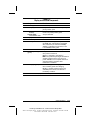
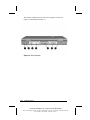
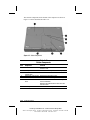
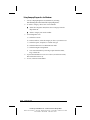
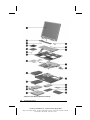
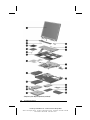
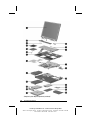
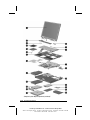
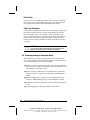
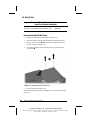
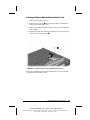
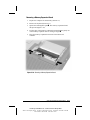
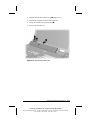
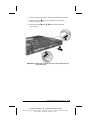
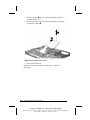
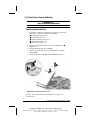
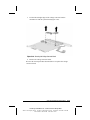
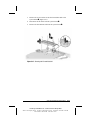
2. Release the ZIF connector that connects the diskette drive 1
(Figure 5-23).
3. Disconnect the diskette drive cable 2.
4. Remove the screw that secures the diskette drive to the base
enclosure 3.
5. Lift up on the back of the diskette drive 4 and remove it.
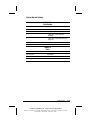
Figure 5-23. Removing the Diskette Drive
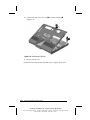
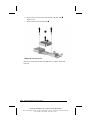
Reverse the removal procedure described above to replace the
diskette drive.
Removal and Replacement Procedures
5-29
COMPAQ CONFIDENTIAL - NEED TO KNOW REQUIRED
Writer: The Integrity Group Saved by: The Integrity Group Saved date: 10/26/00 12:36 PM
Part Number: 128679-006 File name: Ch05