1
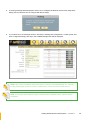
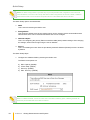
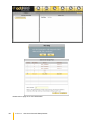
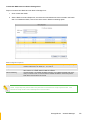
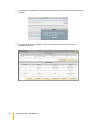
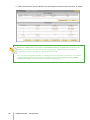
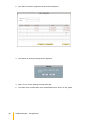
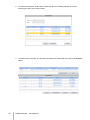
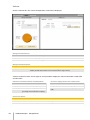
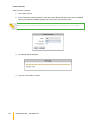
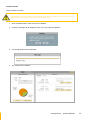
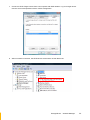
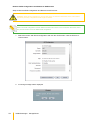
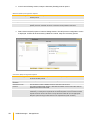
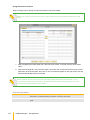
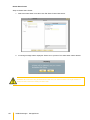
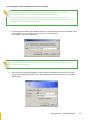
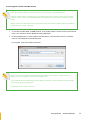
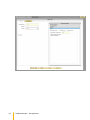
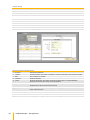
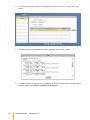
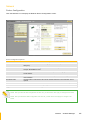
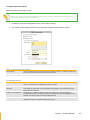
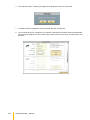
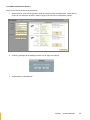
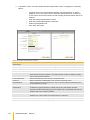
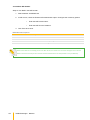
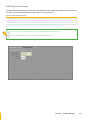
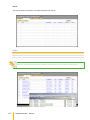
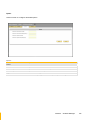
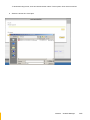
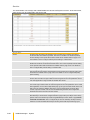
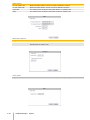
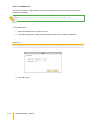
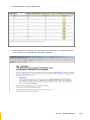
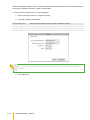
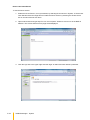
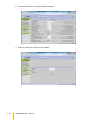
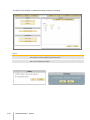
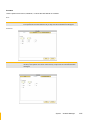
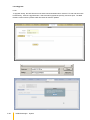
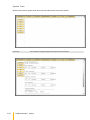
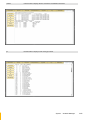
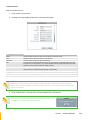
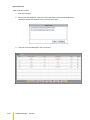
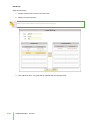
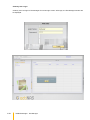
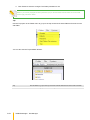
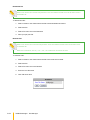
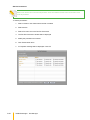
3. In the Protocol Setting window, setup the Windows (Samba) protocol options.
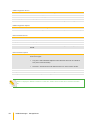
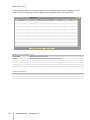
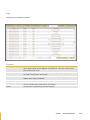
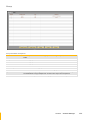
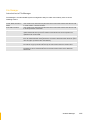
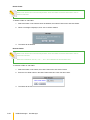
Windows (Samba) Configuration Options
Enable Samba Sharing
Used to enable Samba protocol. When checked, the share folder can be accessed via
Samba protocol
Case Sensitive
This controls whether filenames are case sensitive or not. Default is disabled
Files Begin with Dots
This controls whether files that begin with a dot will become hidden files. Default is disabled
Max connection
This option limits the number of simultaneous connections at a certain time. A value of zero
(default) means an unlimited number of connections will be possible in this share
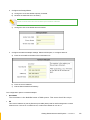
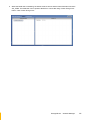
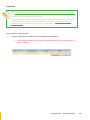
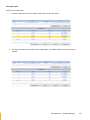
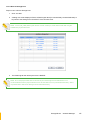
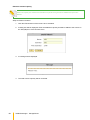
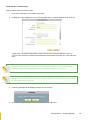
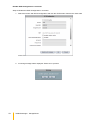
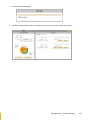
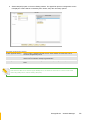
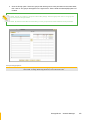
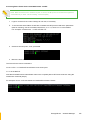
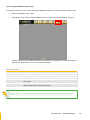
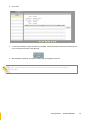
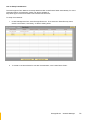
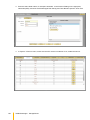
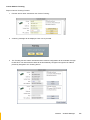
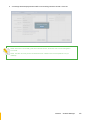
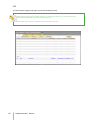
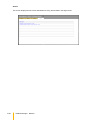
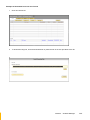
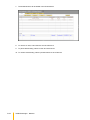
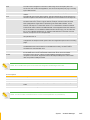
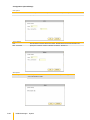
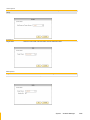
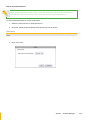
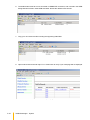
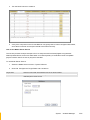
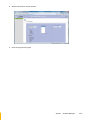
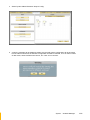
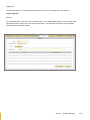
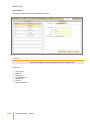
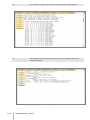
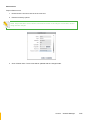
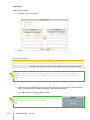
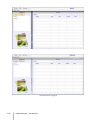
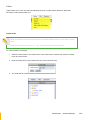
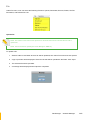
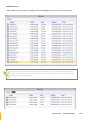
4. Select Unix/Linux(NFS) option in Protocol Setting window. The NFS protocol configuration screen
is displayed. If share will be accessed by UNIX/Linux clients, setup the necessary options.
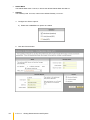
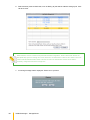
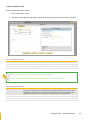
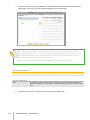
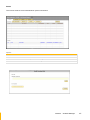
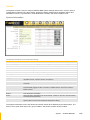
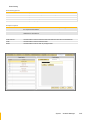
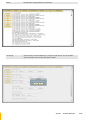
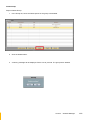
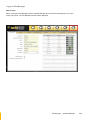
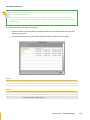
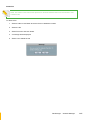
Unix/Linux (NFS) Configuration Options
Enable NFS Sharing
Used to enable or disable NFS protocol. When enabled (checked), the share folder can be
accessed via NFS protocol
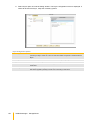
Synchronize Write
Use this option to enable or disable write caching
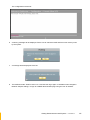
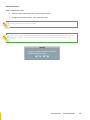
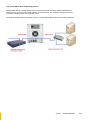
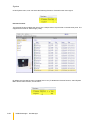
Operation
Allow Root Access
Use this option to allow or disallow access by root super-user account
Insecure
This option provides higher security. If this option is enabled, only the ports under 1024 are
allowed access to the share folder.
Subtree Check
Use this option to enable or disable subtree checking. A subtree check happens if a
subdirectory of a filesystem is exported but the whole filesystem isn't, then whenever a NFS
request arrives the server must check not only that the accessed file is in the appropriate
filesystem (which is easy) but also that it is in the exported tree (which is harder).
58
/ actiNAS Manager · Storage/Share