1
Recover
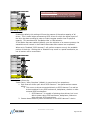
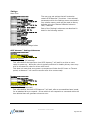
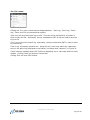
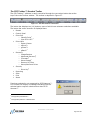
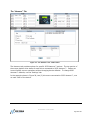
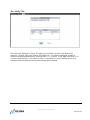
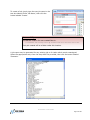
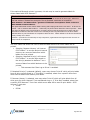
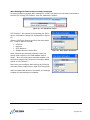
Clicking the Recover toolbar button will reveal six (6) submenu items. This toolbar button is
primarily for use with CPR Tools’ PSIClone™ device; when working with Hammer™ only the
first item, ‘Image Restore’ is functional.
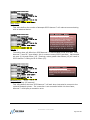
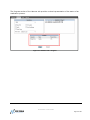
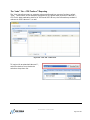
The Image Restore menu item will launch the CPR Toolbox™ Image Restore module. This
module is used with image filesets generated by CPR Tools’ PSIClone™ data recovery
device. For more information on PSIClone™ and Image Restore, please refer to the
PSIClone™ User’s Guide available for download at http://www.cprtools.net/downloads.
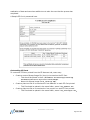
Security
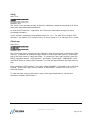
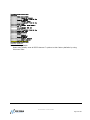
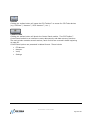
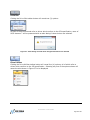
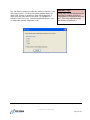
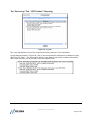
Clicking the Security toolbar button will reveal one (1) option:
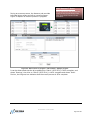
The Security menu, including DriveKey™, is used with CPR Tools’ PSIClone™ data recovery
device.
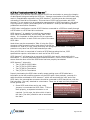
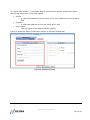
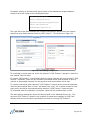
The DriveKey™ module is made available to qualifying Law Enforcement and Government
officials who have purchased PSIClone™ and have requested access to this module.
SCSI Hammer™ Users Guide
Page 67 of 89