1
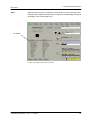
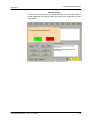
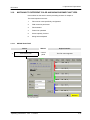
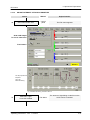
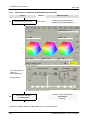
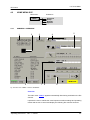
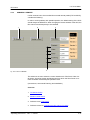
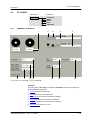
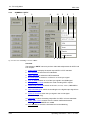
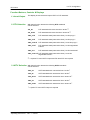
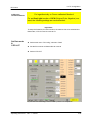
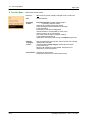
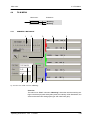
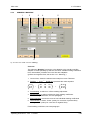
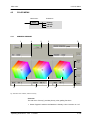
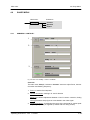
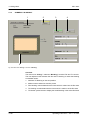
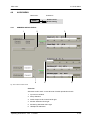
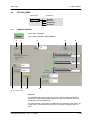
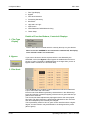
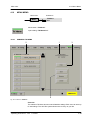
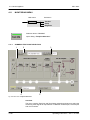
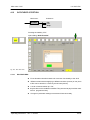
4.3. TK Config Menu
SDC 2002
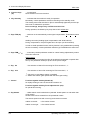
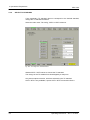
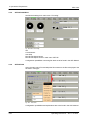
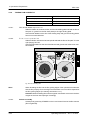
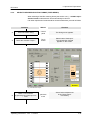
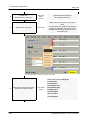
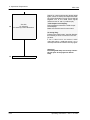
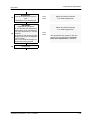
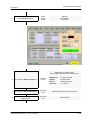
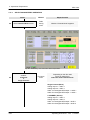
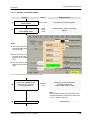
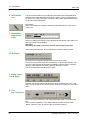
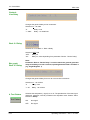
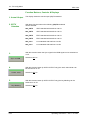
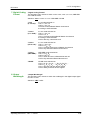
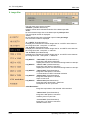
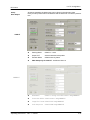
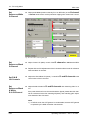
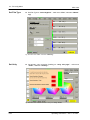
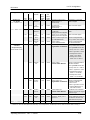
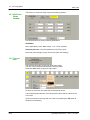
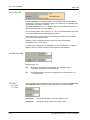
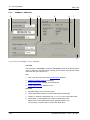
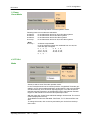
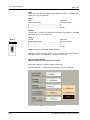
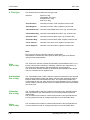
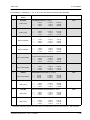
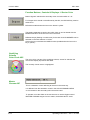
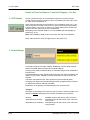
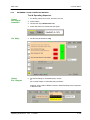
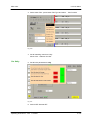
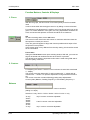
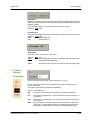
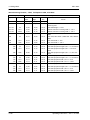
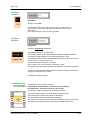
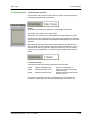
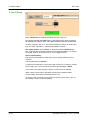
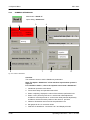
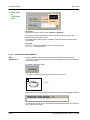
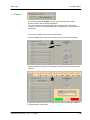
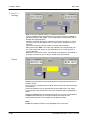
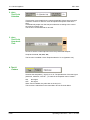
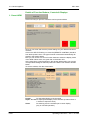
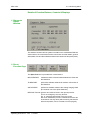
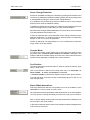
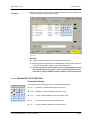
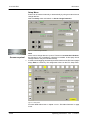
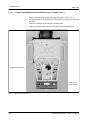
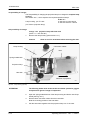
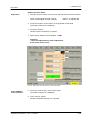
6. H/V-Blanking
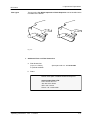
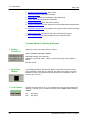
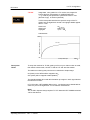
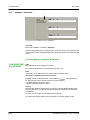
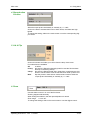
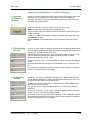
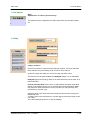
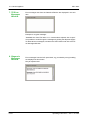
This pull down menu serves to switch the horizontal and vertical blanking off or
on or to narrow blanking values.
Selection: Off / Norm / Narrow
”Off”
”Norm”
”Narrow”
H and V blanking switched off
H and V blanking switched to standard norm
H and V blanking switched to narrow blanking
(has no effects in HDTV standards)
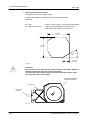
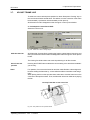
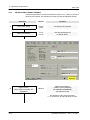
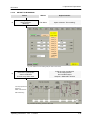
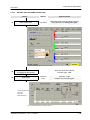
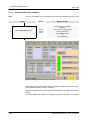
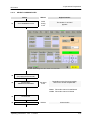
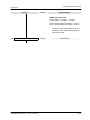
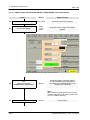
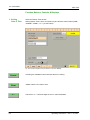
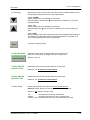
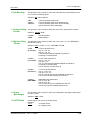
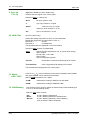
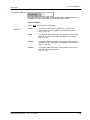
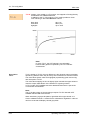
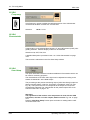
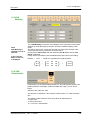
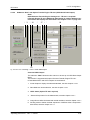
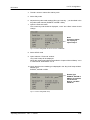
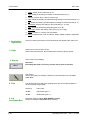
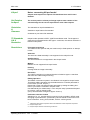
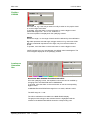
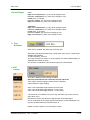
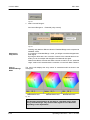
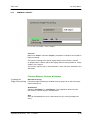
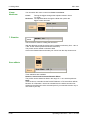
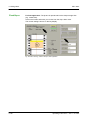
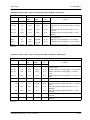
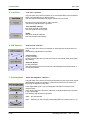
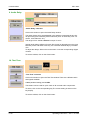
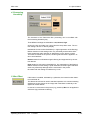
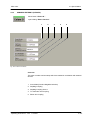
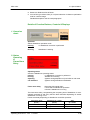
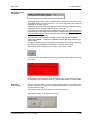
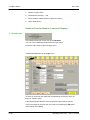
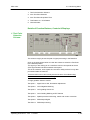
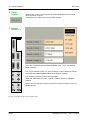
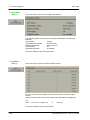
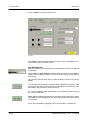
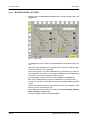
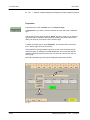
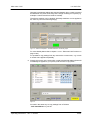
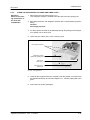
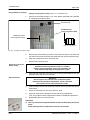
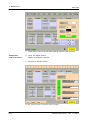
7. Analog Coding This pull down menu serves to define the mode of the analog SDTV outputs.
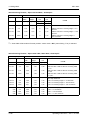
Format
Selection: YCrCb / RGB
”YCrCb”
”RGB”
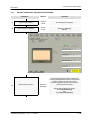
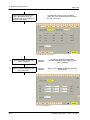
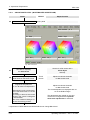
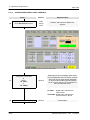
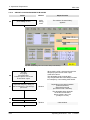
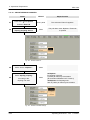
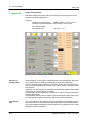
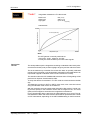
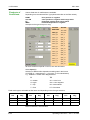
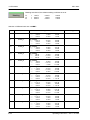
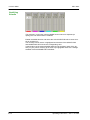
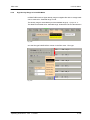
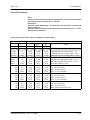
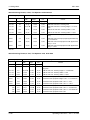
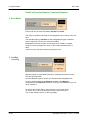
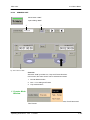
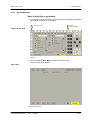
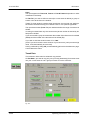
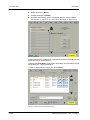
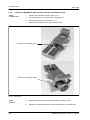
8. Digital Coding
Format
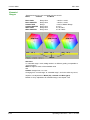
YCrCb operation
RGB operation
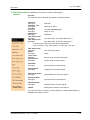
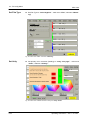
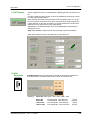
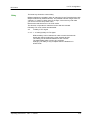
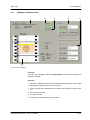
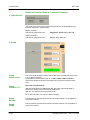
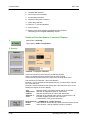
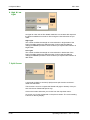
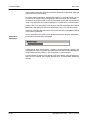
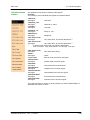
This pull down menu serves to switch the 4:2:2, 4:2:2:4, 4:4:4:4, GBR KBR or
the GR KB mode on.
Selection: 4:2:2 / 4:2:2:4 / 4:4:4:4 / GBR KBR / GR KB
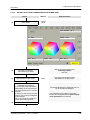
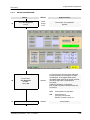
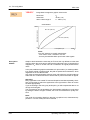
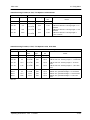
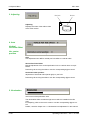
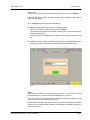
9. Output
Wordlength
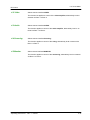
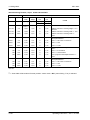
”4:2:2
(2* YCrCb)”
4:2:2 mode switched on
Link A: Y, CB, CR
Link B: Y, CB, CR
Luminance with halfband filtered chrominance
according to CCIR 601/656
”4:2:2:4
(Y Cb Cr/K)”
4:2:2:4 mode switched on
Link A: Y, CB, CR
Link B: K, 0, 0
Link A: Luminance with halfband filtered chrominance
according to CCIR 601/656
Link B: with Key, Chrominance off
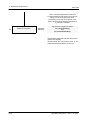
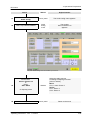
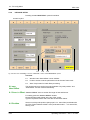
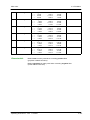
”4:4:4:4
(Y/K Cb Cr)”
4:4:4:4 mode switched on
Link A: Y, CB0, CR0
Link B: K, CB1, CR1
Link A: Luminance and even unfiltered chrominance
Link B: Key and odd unfiltered chrominance
”4:4:4:4
(GBR KBR)”
GBR KBR mode switched on
Link A: G, B0, R0
Link B: K, B1, R1
Link A: Green and even unfiltered blue and red
Link B: Key and odd unfiltered blue and red
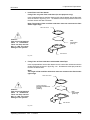
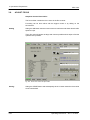
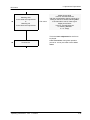
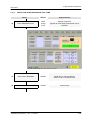
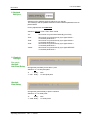
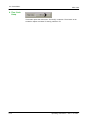
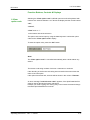
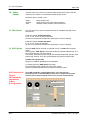
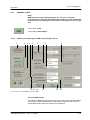
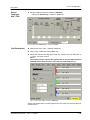
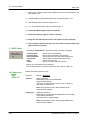
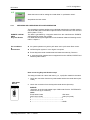
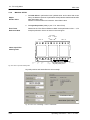
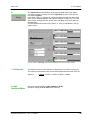
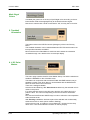
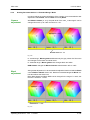
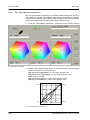
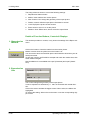
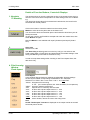
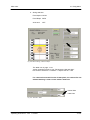
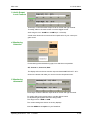
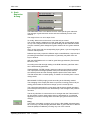
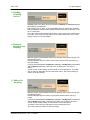
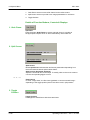
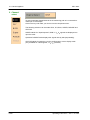
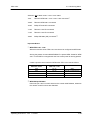
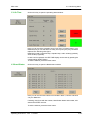
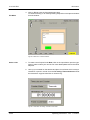
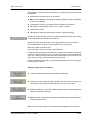
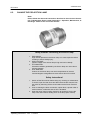
This pull down menu serves to switch the wordlength in the digital output signal
from 8 to 10 bits.
Selection: 8 Bit / 10 Bit
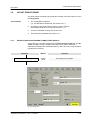
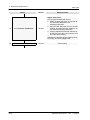
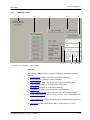
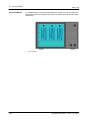
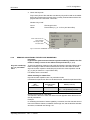
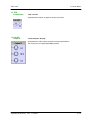
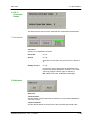
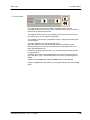
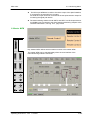
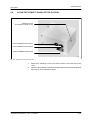
10. SDTV Ratio
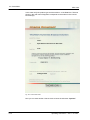
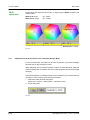
Picture aspect ratio for the TV output picture.
Selection:
4:3 output picture
”4 : 3”
”16 : 9”
16:9 output picture
Operating Instructions - Rev. 1 / 6.2003
4-25