1
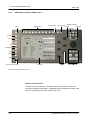
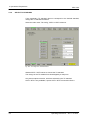
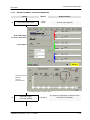
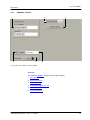
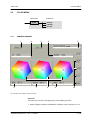
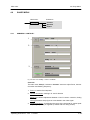
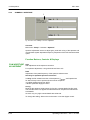
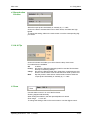
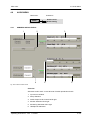
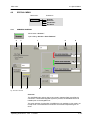
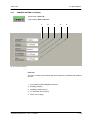
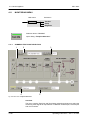
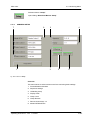
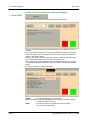
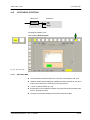
4.3. TK Config Menu
SDC 2002
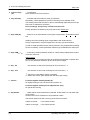
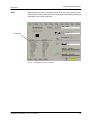
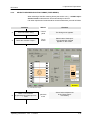
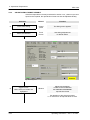
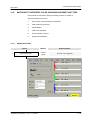
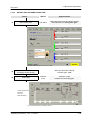
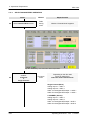
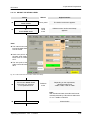
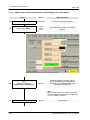
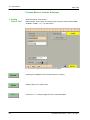
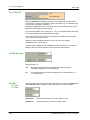
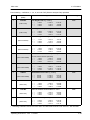
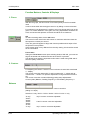
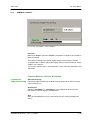
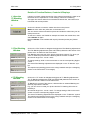
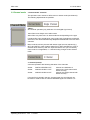
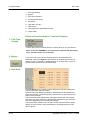
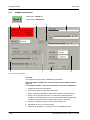
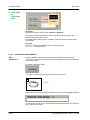
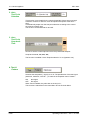
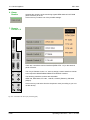
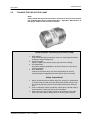
5. Image Size
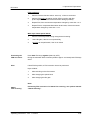
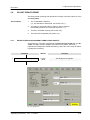
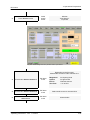
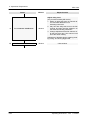
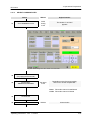
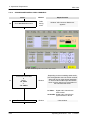
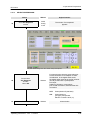
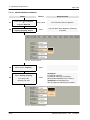
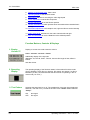
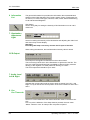
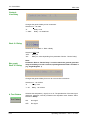
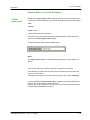
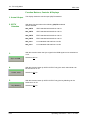
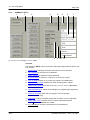
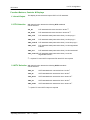
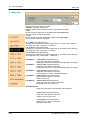
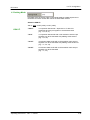
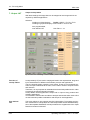
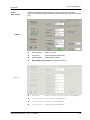
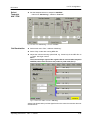
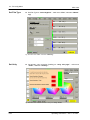
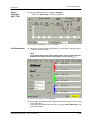
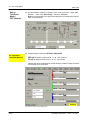
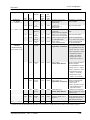
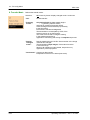
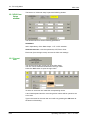
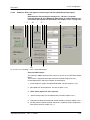
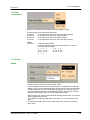
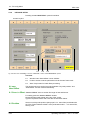
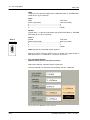
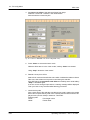
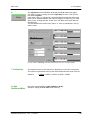
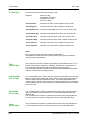
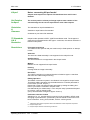
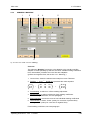
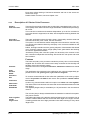
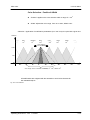
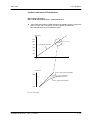
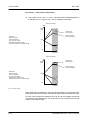
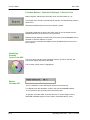
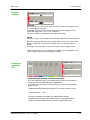
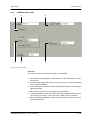
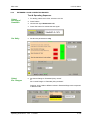
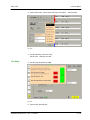
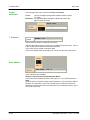
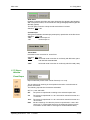
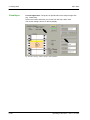
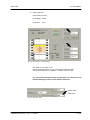
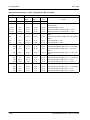
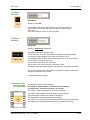
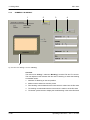
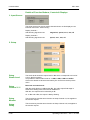
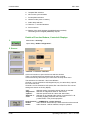
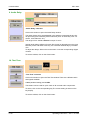
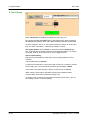
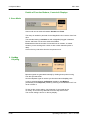
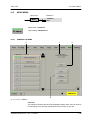
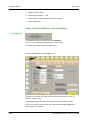
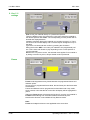
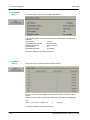
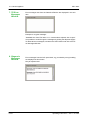
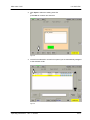
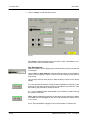
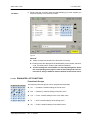
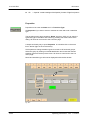
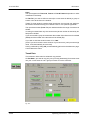
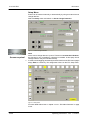
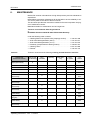
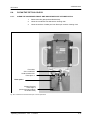
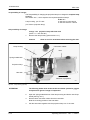
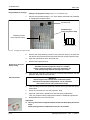
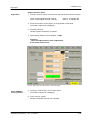
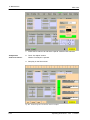
This pull down menu serves to select:
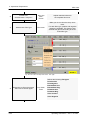
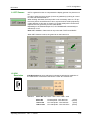
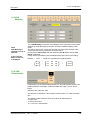
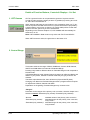
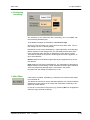
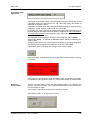
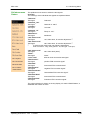
“Variable” (variable dimensions)
to define vertical and horizontal resolution of the data output with:
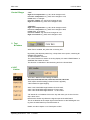
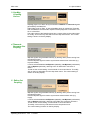
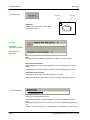
“Pixel“
for the horizontal image size of the data output in pixels per line.
The actual pixel number is displayed.
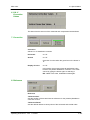
“Lines”
for the vertical image size of the data output in lines per image.
The actual line number is displayed.
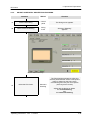
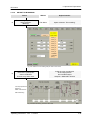
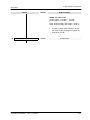
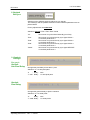
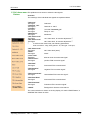
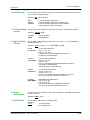
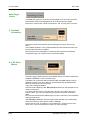
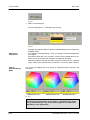
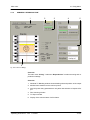
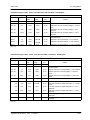
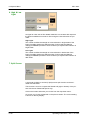
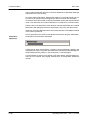
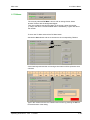
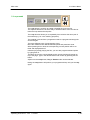
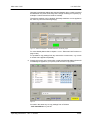
“4 : 3 SDTV” (fixed dimensions)
to display the horizontal and vertical image size for 4:3 SDTV at the data output. Image size ratio: 720 pixels x 540 lines.
“16 : 9 SDTV” (fixed dimensions)
to display the horizontal and vertical image size for 16:9 SDTV at the data output. Image size ratio: 720 pixels x 405 lines.
“16 : 9 HDTV” (fixed dimensions)
to display the horizontal and vertical image size for 16:9 HDTV at the data output. Image size ratio: 1920 pixels x 1080 lines.
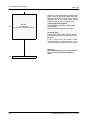
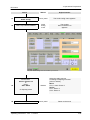
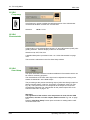
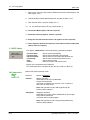
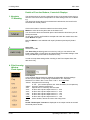
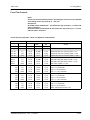
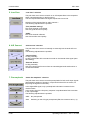
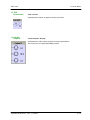
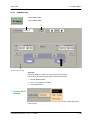
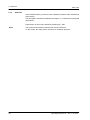
only GSN I.F.
only GSN I.F.
only GSN I.F.
only GSN I.F.
only GSN I.F.
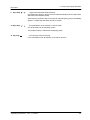
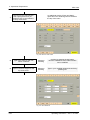
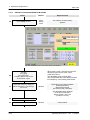
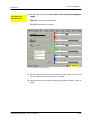
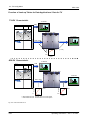
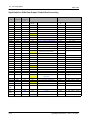
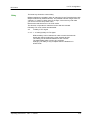
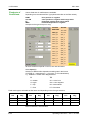
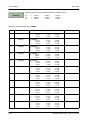
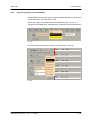
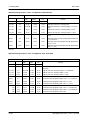
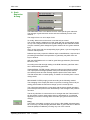
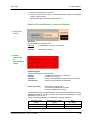
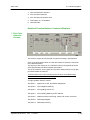
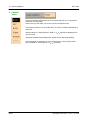
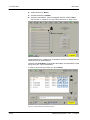
“1280 x 960” (fixed dimensions )
Image size 1280 pixels x 960 lines.
Square pixel scan for 4:3 SXGA monitoring based on 1280 pix.
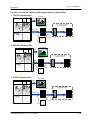
“1364 x 1024” (fixed dimensions)
Image size 1364 pixels x 1024 lines.
Square pixel scan for 4:3 SXGA monitoring based on 1024 pix.
“1920 x 1440” (fixed dimensions)
Image size 1920 pixels x 1440 lines.
4:3 scan based on HDTV horizontal resolution
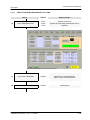
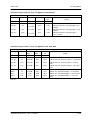
“2048 x 1240” (fixed dimensions)
Image size 2048 pixels x 1152 lines.
Super 16 mm scan
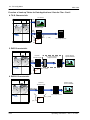
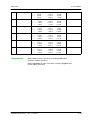
“2048 x 1536 (fixed dimensions)
Image size ratio 2048 pixels x 1536 lines.
Full Aperture 35 mm 4-perf scan
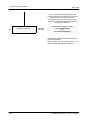
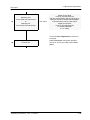
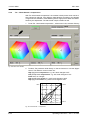
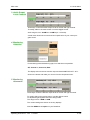
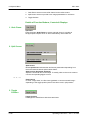
“VGA Resolution”
Image size equivalent to the selected VGA resolution
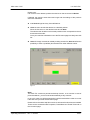
“1828 x 1332” (fixed dimensions)
Image size 1828 pixels x 1332 lines.
Academy 35 mm 4-perf scan
“1712 x 1240” (fixed dimensions)
Image size 1712 pixels x 1240 lines.
Standard 16mm scan
4-34
Operating Instructions - Rev. 1 / 6.2003