1
Key features
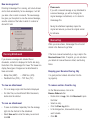
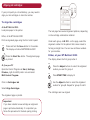
P C pr inter
Range of papers
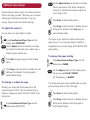
Connected to your PC, the BT MultiJet 3000 acts as a
colour and mono printer giving you crisp, clear inkjet
images.
Use your BT MultiJet 3000 to print on envelopes,
transparencies, card and the full range of inkjet paper
types.
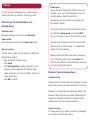
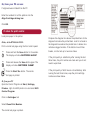
C o p i er
P h o t o c a r t r id g e o p t io n
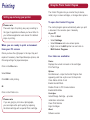
Make up to 99 copies of a document or photograph in
colour or black and white. You can adjust the settings
and operate your machine from its control panel or from
your PC.
If you print photographs, you can use a special photo
cartridge to give you the best results on glossy
photographic paper.
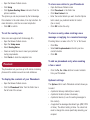
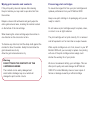
Re m ov a b le c ove r fo r
S c anner
c o py in g o r s c a n n in g
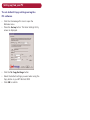
Scan documents and images direct to your PC.
The preview feature lets you select and scan a specific
part of an image. You can convert a scanned document
to text ready for editing.
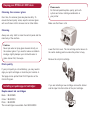
If you want to scan or copy bulky items such as books,
you can remove the scanner cover enabling you to lay
the item flat on the scanner glass.
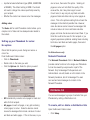
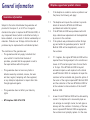
Fa x
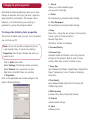
Using your PC modem and the software provided you can
send and receive faxed documents.
E m ai l
Using your PC modem and email account, you can attach
scanned images to outgoing messages.