1
Chapter 2
RUGGEDCOM ROS
Using ROS
User Guide
3
1
2
4
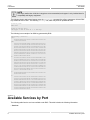
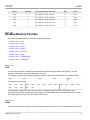
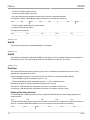
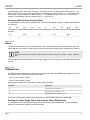
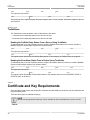
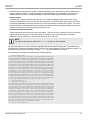
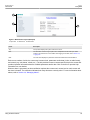
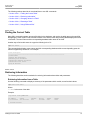
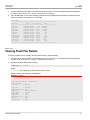
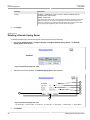
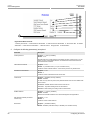
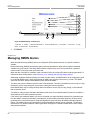
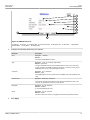
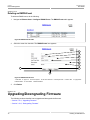
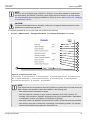
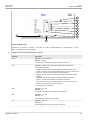
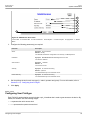
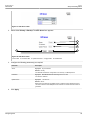
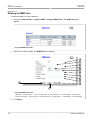
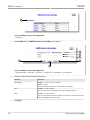
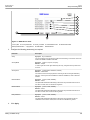
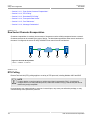
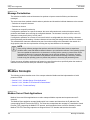
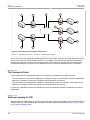
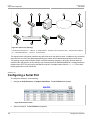
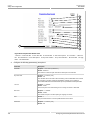
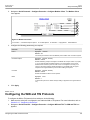
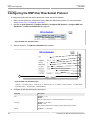
Figure 5: Elements of a Typical Screen (Example)
1. Title
2. Parameters and/or Data
3. Access Level or Alarm Notification
4. Controls
Section 2.5
Using the Console Interface
The Console interface is a Graphical User Interface (GUI) organized as a series of menus. It is primarily
accessible through a serial console connection, but can also be accessed through IP services, such as a Telnet,
RSH (Remote Shell), or SSH (Secure Shell) session.
NOTE
IP services can be restricted to control access to the device. For more information, refer to Section 3.8,
“Configuring IP Services”.
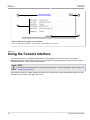
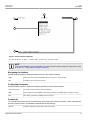
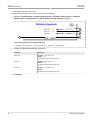
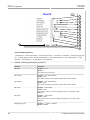
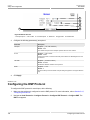
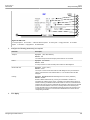
Each screen consists of a system identifier, the name of the current menu, and a command bar. Alarms are also
indicated on each screen in the upper right corner.
30
Using the Console Interface