1
Installing/Mounting
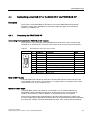
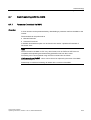
4.2 Connecting a CU240S via Terminals
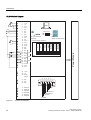
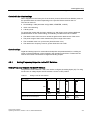
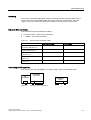
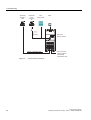
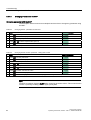
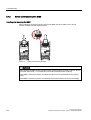
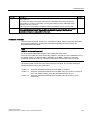
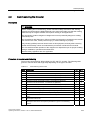
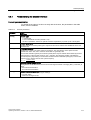
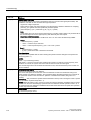
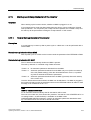
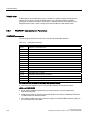
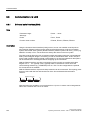
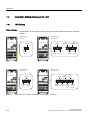
Frequency setpoint and an additional setpoint via terminals
AI0 and AI1 used as current inputs
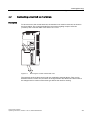
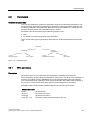
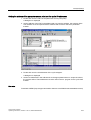
This type of control wiring allows a main frequency setpoint and an additional setpoint to be
established, for example from a PLC.
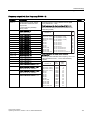
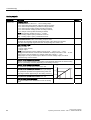
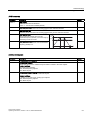
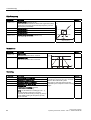
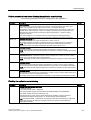
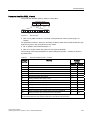
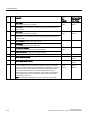
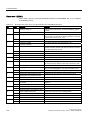
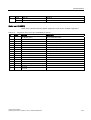
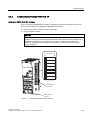
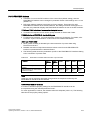
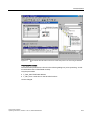
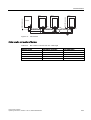
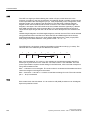
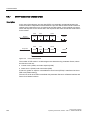
The following figure illustrates the wiring that is necessary to accomplish this functionality.
P$
RU
P$
P$
RU
P$
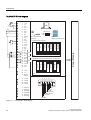
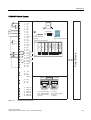
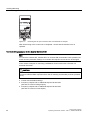
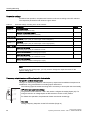
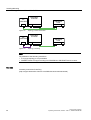
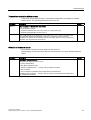
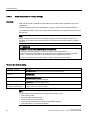
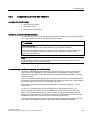
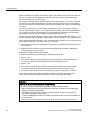
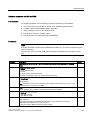
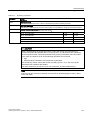
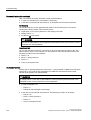
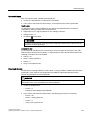
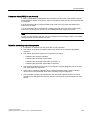
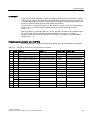
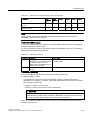
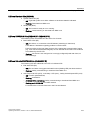
DIP switch and parameter settings
$,
$,
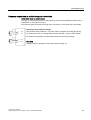
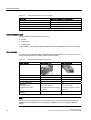
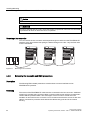
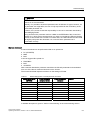
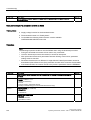
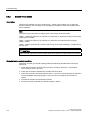
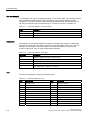
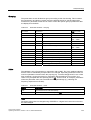
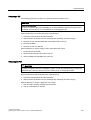
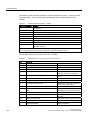
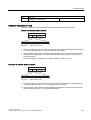
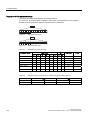
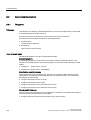
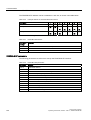
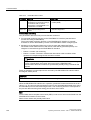
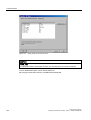
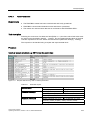
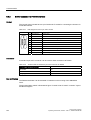
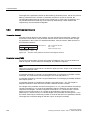
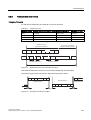
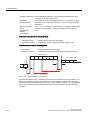
The general I/O DIP switches 1 and 2 are used to configure the analog inputs (AI).
For using AI0 and AI1 as voltage inputs set DIP switches 1 and 2 to OFF position.
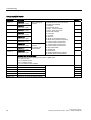
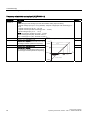
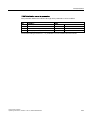
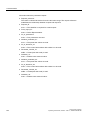
For failure-free operation, the parameter P0756 must be set accordingly.
$,
$,
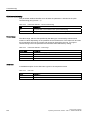
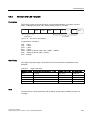
See also
Setting Frequency Setpoints via the DIP Switches (Page 37)
Control Units CU240S
Operating Instructions, 06/2007 - SW 3.0, A5E00766042B AB
39