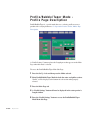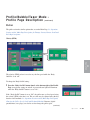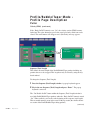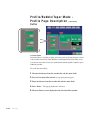
1
Starting the Puller
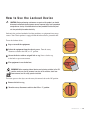
DA N G E R : M o v i n g Pa r t s H a z a r d
Take all necessary precautions when working around moving parts to prevent
body parts and clothing from being pulled into the machine.
Always disconnect and lock out the main power source before performing
maintenance on the puller.
Never remove or disable safety devices to sustain production. Operating without
these devices could lead to hazardous conditions that can cause severe injury.
Before you start daily operation of the puller, you should:
r Inspect the puller belts.
r Check puller alignment with the extrusion line.
r Assure the floor locks are properly engaged.
r Thread the extrudate through the sizing equipment, puller and an other
devices on the extrusion line puller.
See the Maintenance section of this User Guide for detailed information on daily
maintenance procedures.
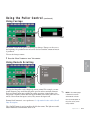
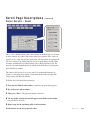
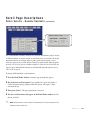
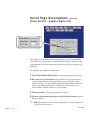
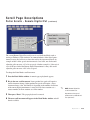
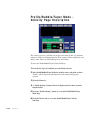
1 Plug in the power cord to restore power after any required maintenance.
2 Turn on power to the puller. Plug in the power cord to restore power after performing any required maintenance. Turn the main disconnect to the ON position.
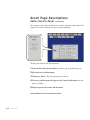
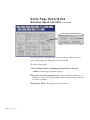
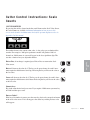
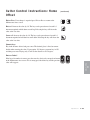
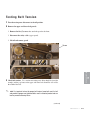
3 Press the”Puller Start” button. If the puller does not start, make sure the
“Emergency Stop” button pulled out in the extended position.
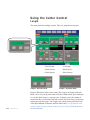
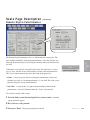
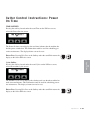
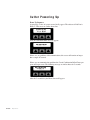
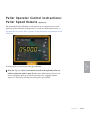
4 Observe the digital line rate indicator to observe line speed. (standard)
4-172 l Operation