1
C u t t e r C o n t r o l I n s t r u c t i o n s : Te s t
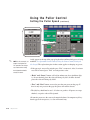
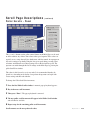
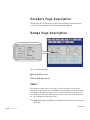
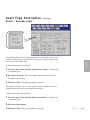
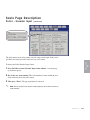
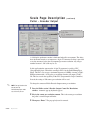
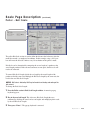
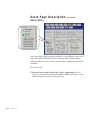
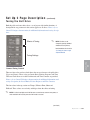
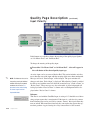
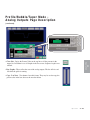
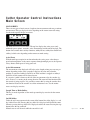
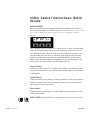
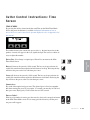
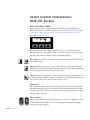
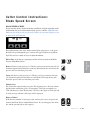
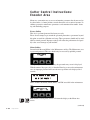
TEST SOFTKEY
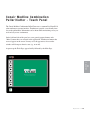
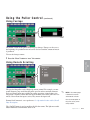
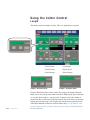
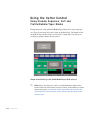
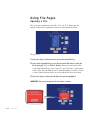
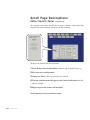
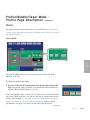
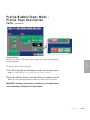
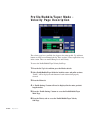
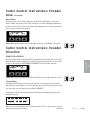
Pressing soft key two located under the word Test on the first Function area screen,
selects the repeatability tester.
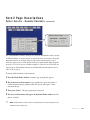
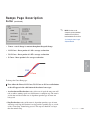
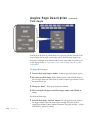
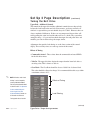
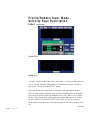
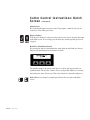
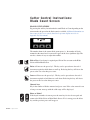
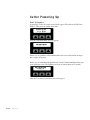
Off
DevCP 000.000 mS >
Exit
Reset
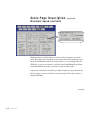
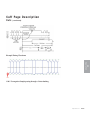
The DevCP repeatability tester displays total deviation time in milliseconds. This
time is from a cut being requested until the blade reaches the part. The smallest
measured value is subtracted from the largest measured value and the resulting
deviation is displayed on the screen. New data is sampled every consecutive cut.
The DevCP repeatability test is available in all on-demand modes. This test is used
as a tool for verifying the accuracy of the cutter.
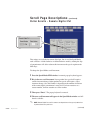
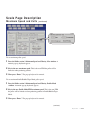
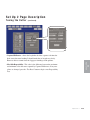
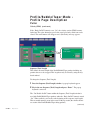
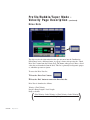
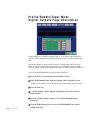
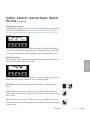
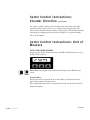
On/Off Softkey1
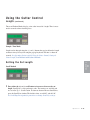
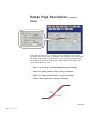
On the display, on the lower left side is a soft key labeled On or Off. Pressing this
key while On is displayed will reset all values and disable testing. Likewise pressing this key while Off is displayed starts the test.
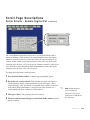
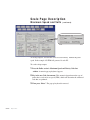
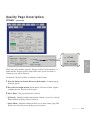
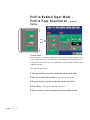
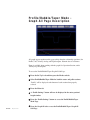
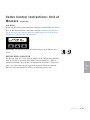
Reset Softkey3
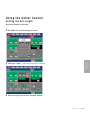
On the display, on the lower right side is a soft key labeled Reset. Pressing this key
will reset all test values and start a new test.
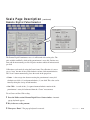
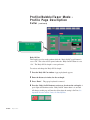
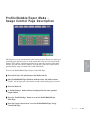
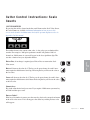
Exit or Prev, Pressing Exit, Prev or the Softkey under the word Exit resets all values and disables testing then returns the display to the Function area screen.
(continued)
4-144 l Operation