1
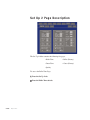
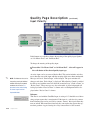
Configuring the Set Up 1 Folder
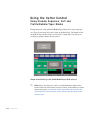
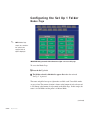
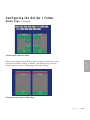
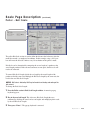
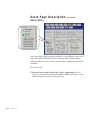
Selecting Modes
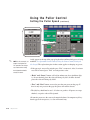
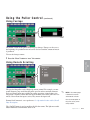
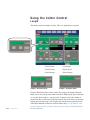
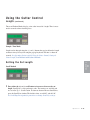
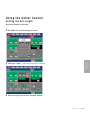
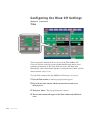
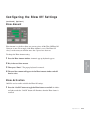
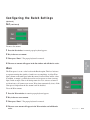
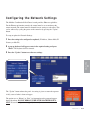
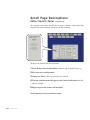
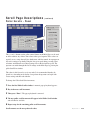
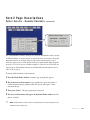
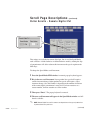
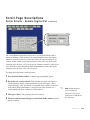
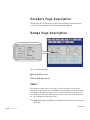
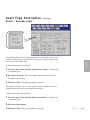
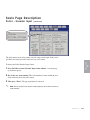
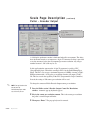
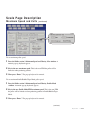
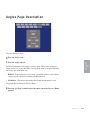
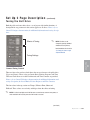
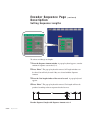
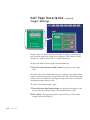
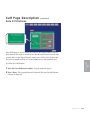
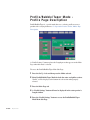
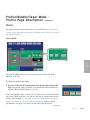
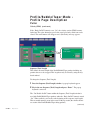
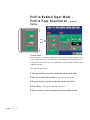
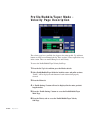
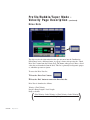
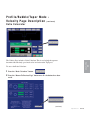
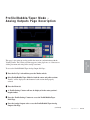
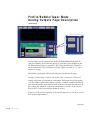
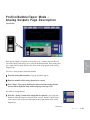
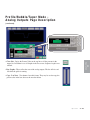
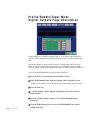
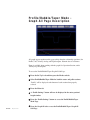
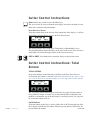
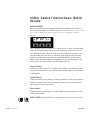
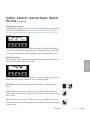
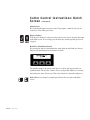
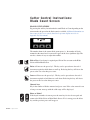
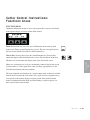
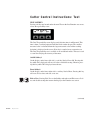
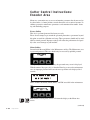
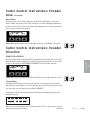
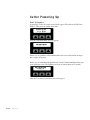
To select a mode for either the cutter or puller:
1 Press the appropriate mode for either the cutter or puller.
2 The selected mode will appear at the bottom of each section.
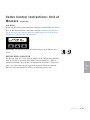
3 Press the Main tab when finished selecting modes.
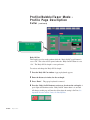
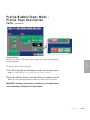
See Operation Section entitled, Mode Page Descriptors - Puller/Cutter Modes
0
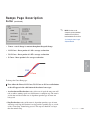
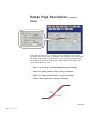
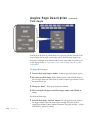
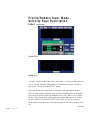
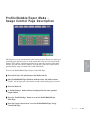
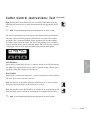
NOTE: Profile/Bubble/Taper Modes will need to be set for both the puller and cutter
sections. See Operation Section entitled, Mode Page Descriptions - Puller Modes,
Profile/Bubble/Taper Mode and Mode Page Descriptions - Cutter Modes,
Profile/Bubble/Taper Mode.
4-46 l Operation