1
Efficient Networks® Router family
Command Line Interface Guide
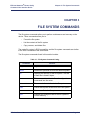
Chapter 3: File System Commands
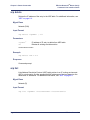
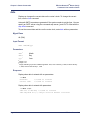
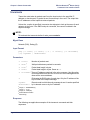
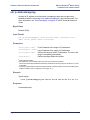
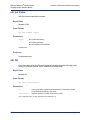
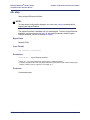
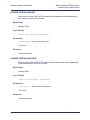
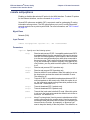
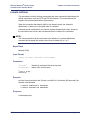
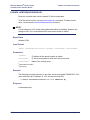
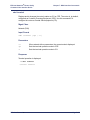
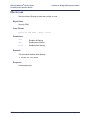
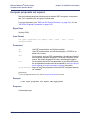
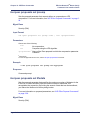
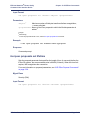
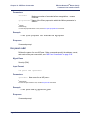
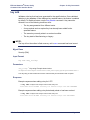
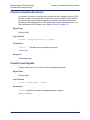
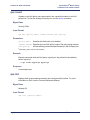
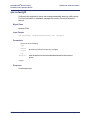
execute
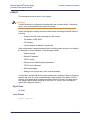
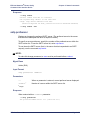
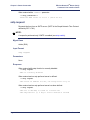
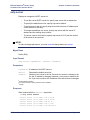
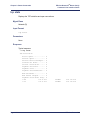
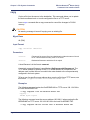
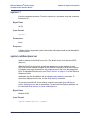
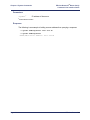
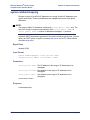
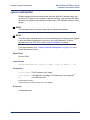
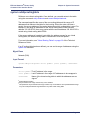
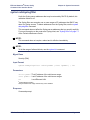
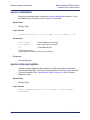
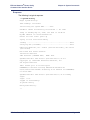
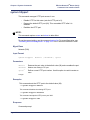
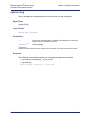
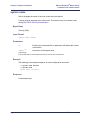
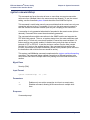
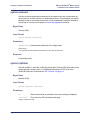
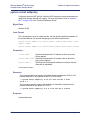
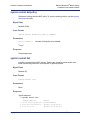
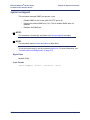
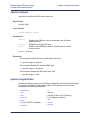
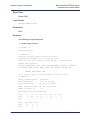
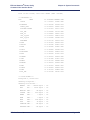
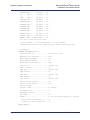
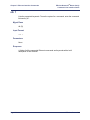
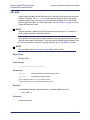
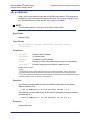
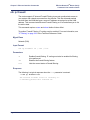
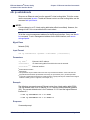
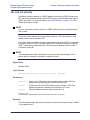
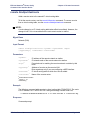
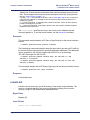
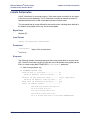
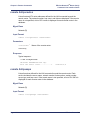
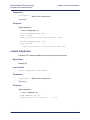
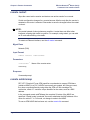
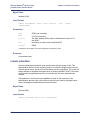
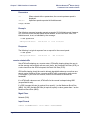
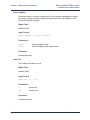
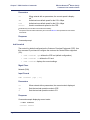
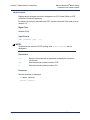
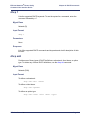
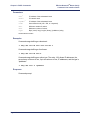
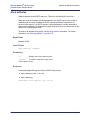
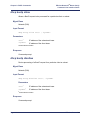
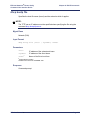
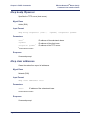
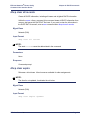
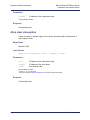
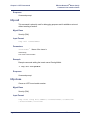
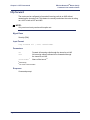
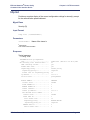
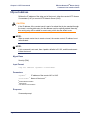
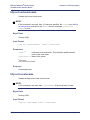
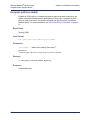
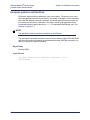
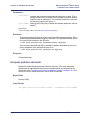
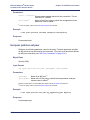
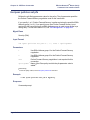
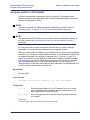
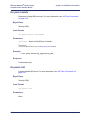
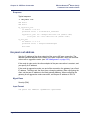
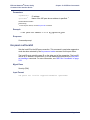
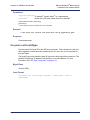
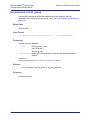
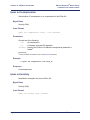
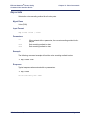
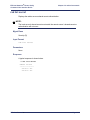
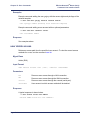
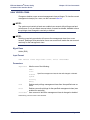
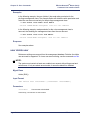
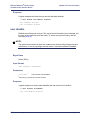
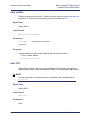
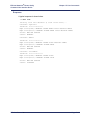
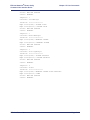
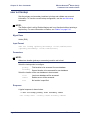
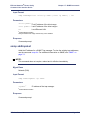
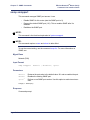
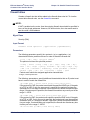
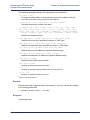
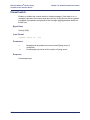
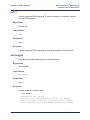
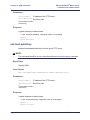
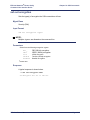
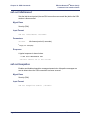
This command loads batch files of configuration commands into the router. This
allows for customization and simpler installation of the device. A script file can contain
commands, comments (lines introduced by the # or ; characters), and blank lines.
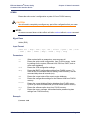
There are two kinds of script files:
•
A one-time script that is executed on startup (only once).
•
A group of commands that can be executed at any time from the Command
Line Interface with the execute <filename> command.
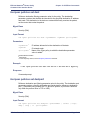
One-time scripts are useful to execute the complete configuration process from a
default (unconfigured) state.
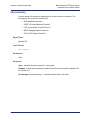
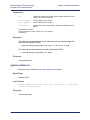
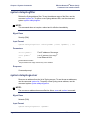
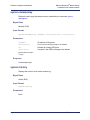
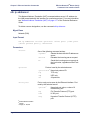
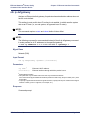
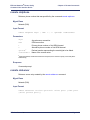
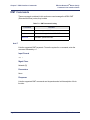
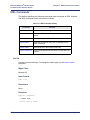
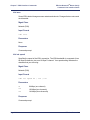
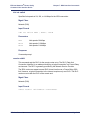
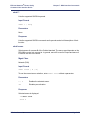
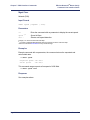
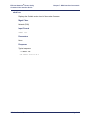
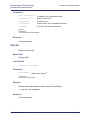
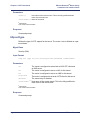
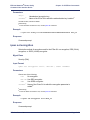
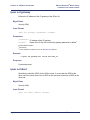
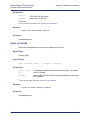
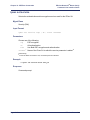
Mgmt Class
All (R/W)
Input Format
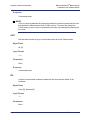
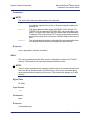
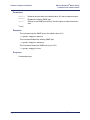
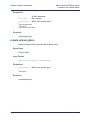
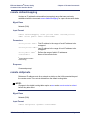
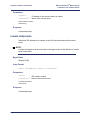
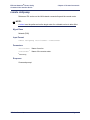
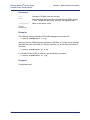
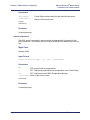
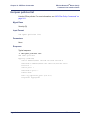
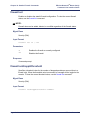
execute <filename>
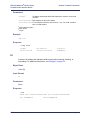
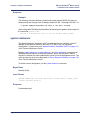
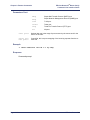
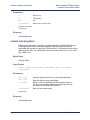
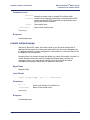
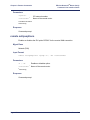
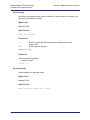
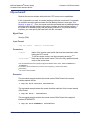
Parameters
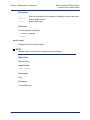
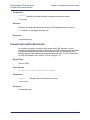
<filename>a
a ASCII
Name of the file to be executed.
string
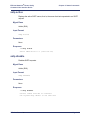
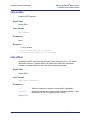
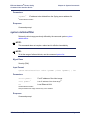
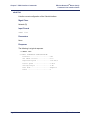
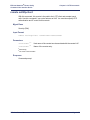
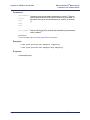
Response
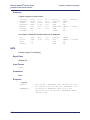
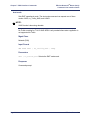
Command prompt.
Efficient Networks®
Page 3-5